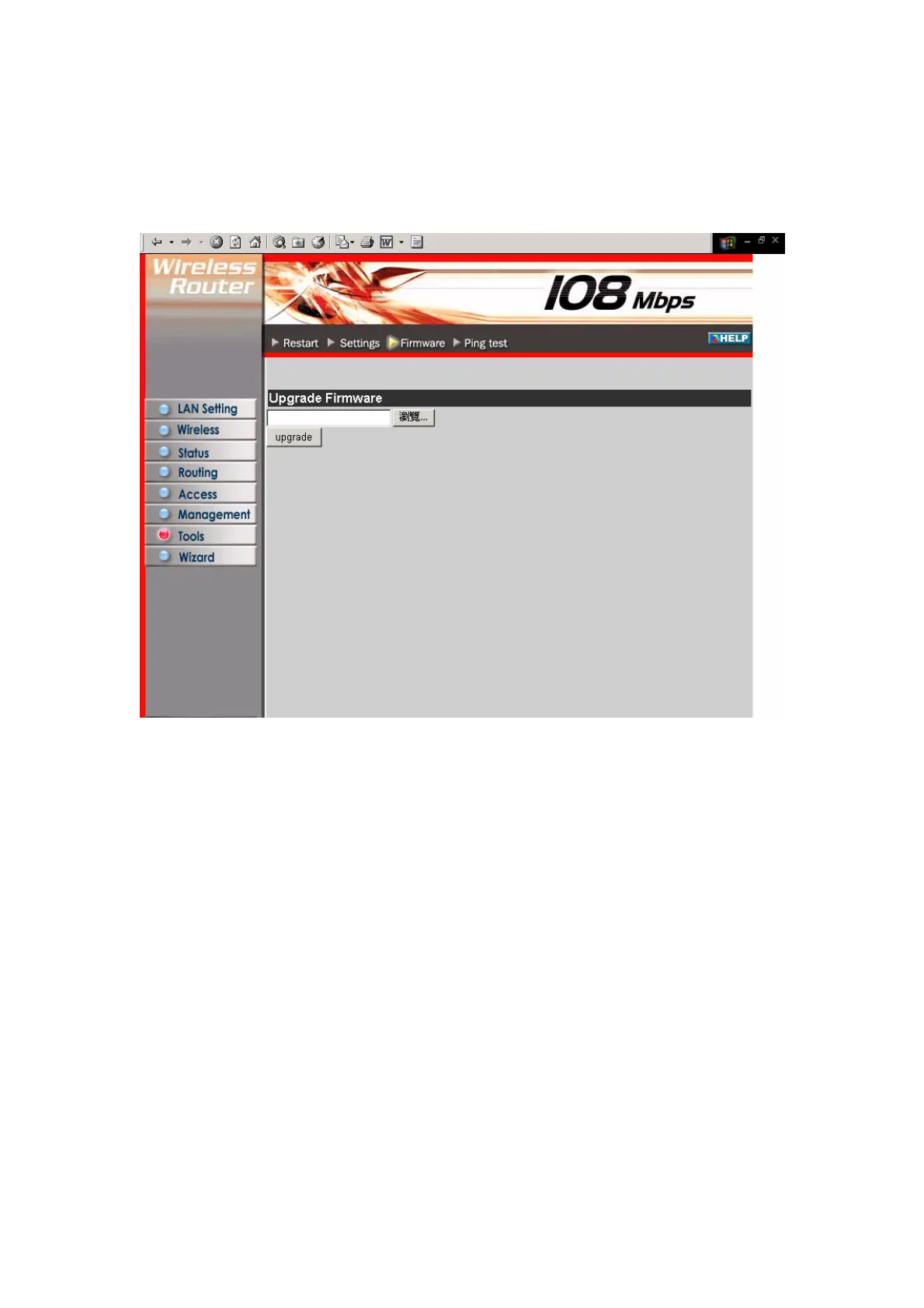
3.7.3 Firmware
This screen enables you to keep the router firmware up to date.
Please follow the below instructions:
1. Download the latest firmware from the manufacturer's Web site, and save it to
your disk.
2. Click Browse and go to the location of the downloaded firmware file.
Select the file and click Upgrade to update the firmware to the latest release
50



 To Next Page