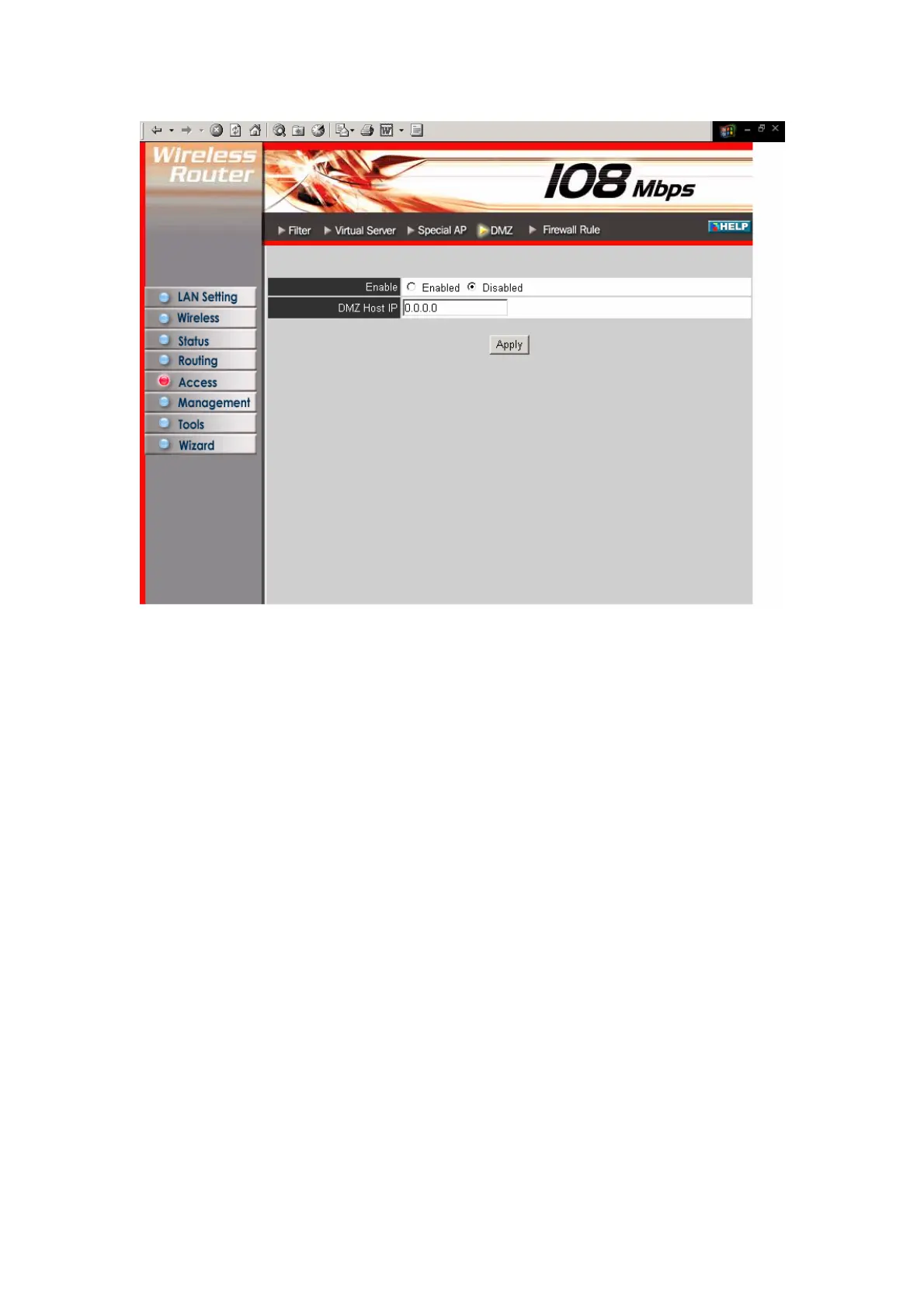
Enable: Click to enable or disable the DMZ.
DMZ Host IP: Type a host IP address for the DMZ. The computer with this IP
address acts as a DMZ host with unlimited Internet access.
Apply: Click to save the settings.
3.5.5 Firewall Rule
This screen enables you to set up the firewall. The router provides basic firewall
functions, by filtering all the packets that enter the router using a set of rules. The
rules are in an order sequence list--the lower the rule number, the higher the priority
the rule has.
43



 To Next Page