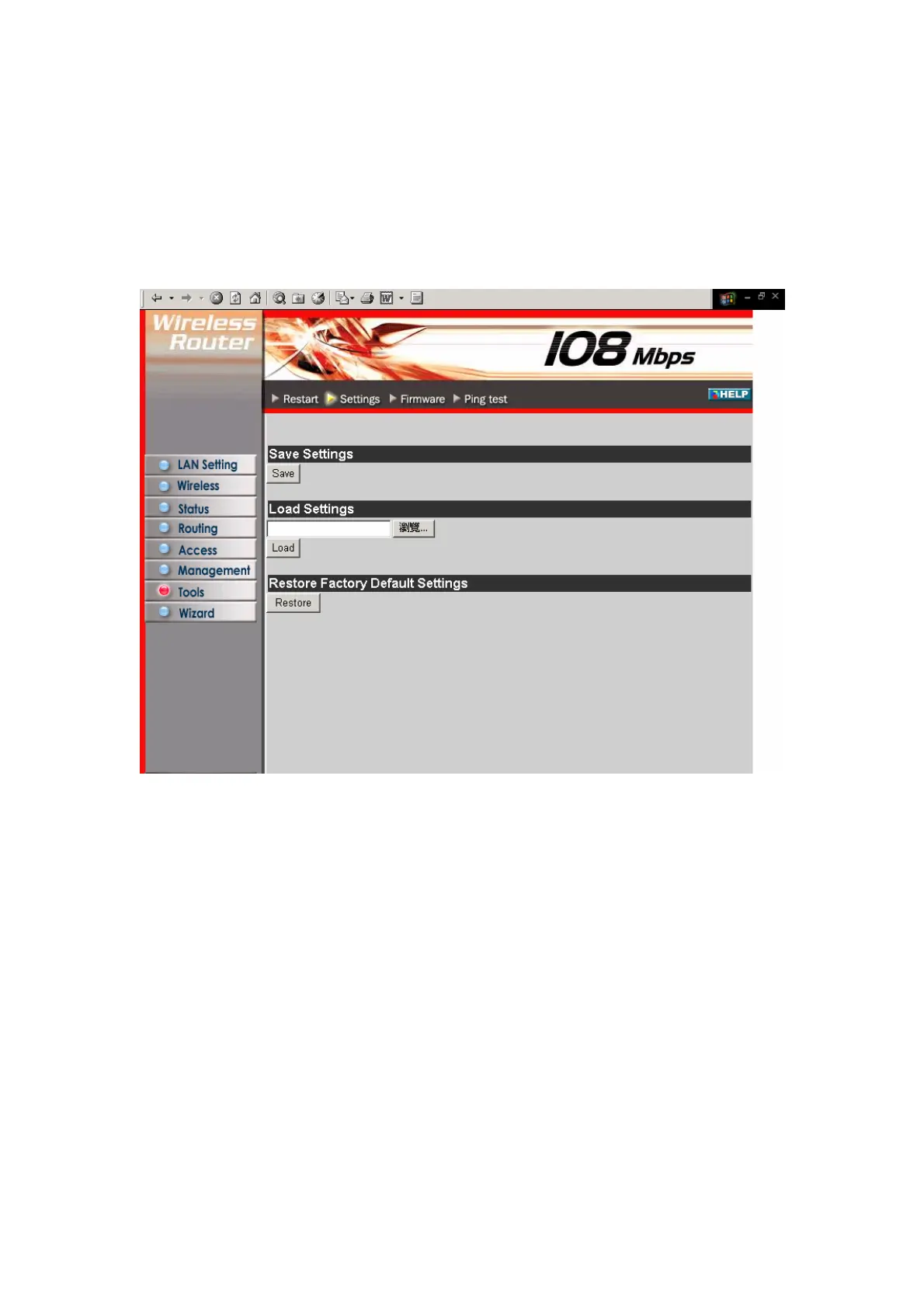
3.7.2 Settings
This screen enables you to save your settings as a profile and load profiles for
different circumstances. You can also load the factory default settings, and run a setup
wizard to configure the router and router interface.
Save Settings: Click to save the current configuration as a profile that you can load
when necessary.
Load Settings: Click Browse and go to the location of a stored profile. Click Load to
load the profile's settings.
Restore Factory Default Settings: Click to restore the default settings. All
configuration changes you have made will be lost.
Setup Wizard: click to run a setup wizard that configures the router and interface
49



 To Next Page