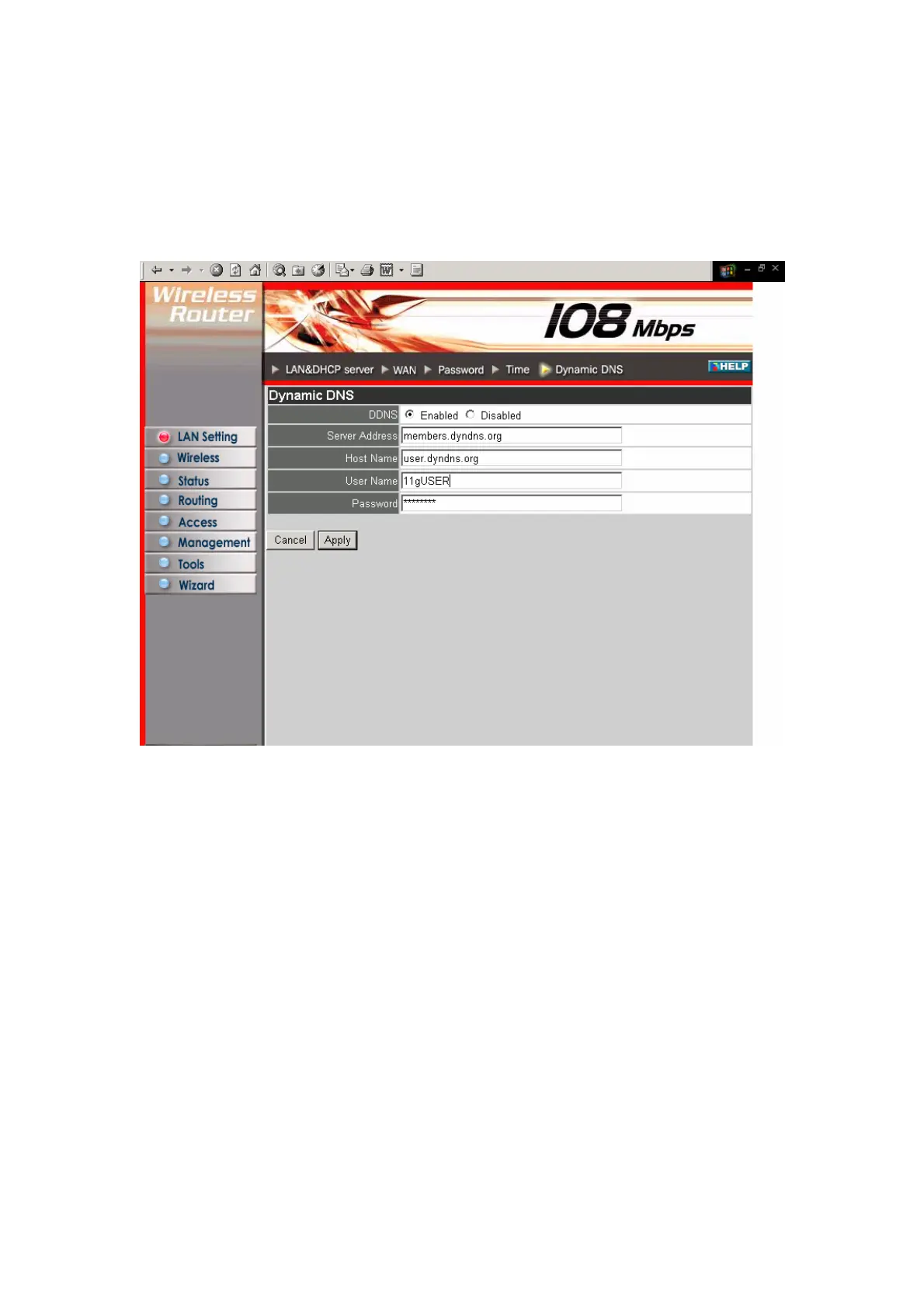
3.1.5 Dynamic DNS
This allows you to set the DNS server.
DDNS: Enable or disable DDNS setting by clicking the blanks.
Server Address: Entering the Server Address. For example, if you would like to
apply the address at dyndns.org, please entering “members.dyndns.org”..
Host Name: Entering the address you applied before. For example: user.dyndns.org
User Name: Entering the account you used for applying DDNS address.
Password: Entering the password of the user.
.
20



 To Next Page