PC Configuration
33
Checking TCP/IP Settings - Windows NT4.0
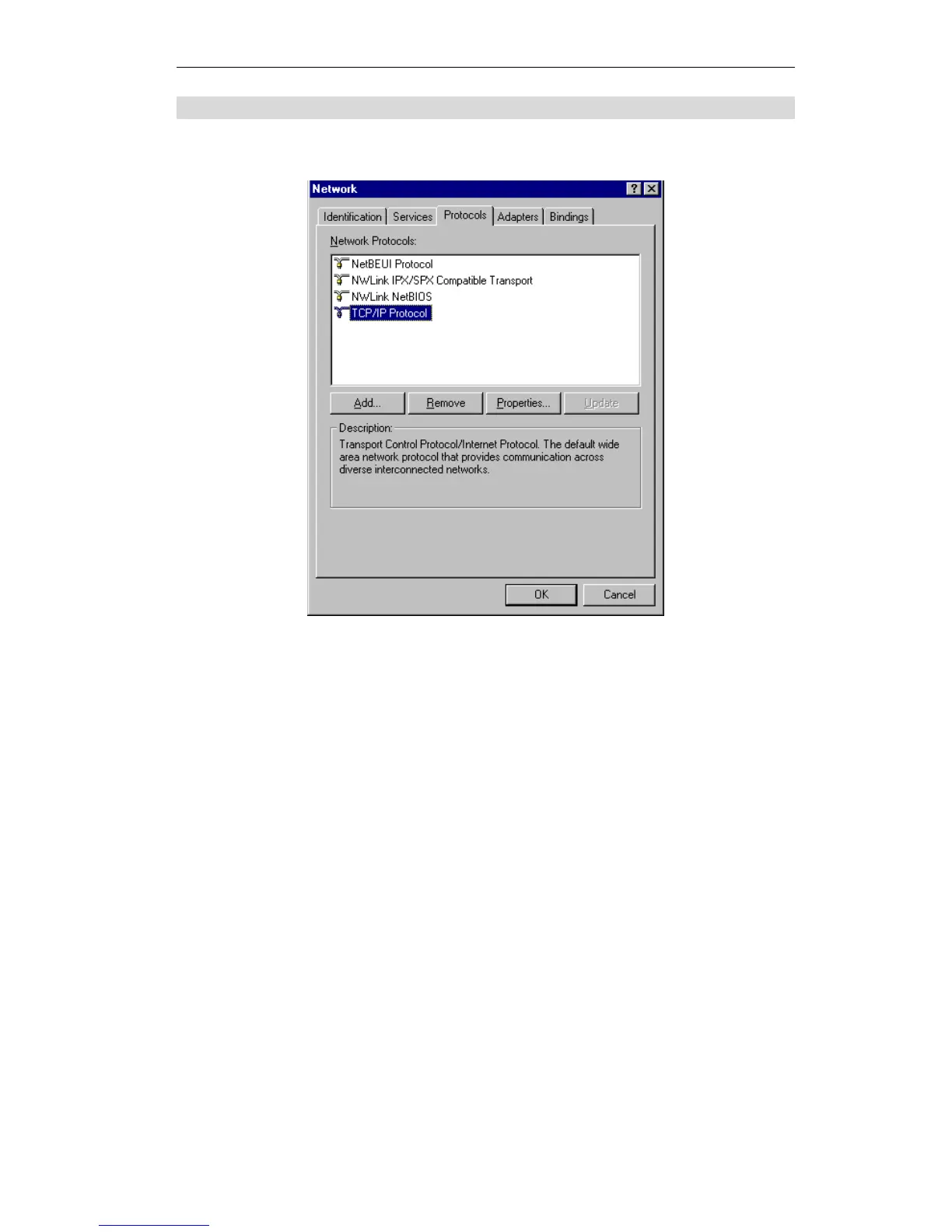
1. Select Control Panel - Network, and, on the Protocols tab, select the TCP/IP protocol, as
shown below.
Figure 24: Windows NT4.0 - TCP/IP
2. Click the Properties button to see a screen like the one below.















 To Next Page