Lexmark C925/X925 Color Product Study Guide Rev 2.3
For Training Purposes Only 6/21/2011
24
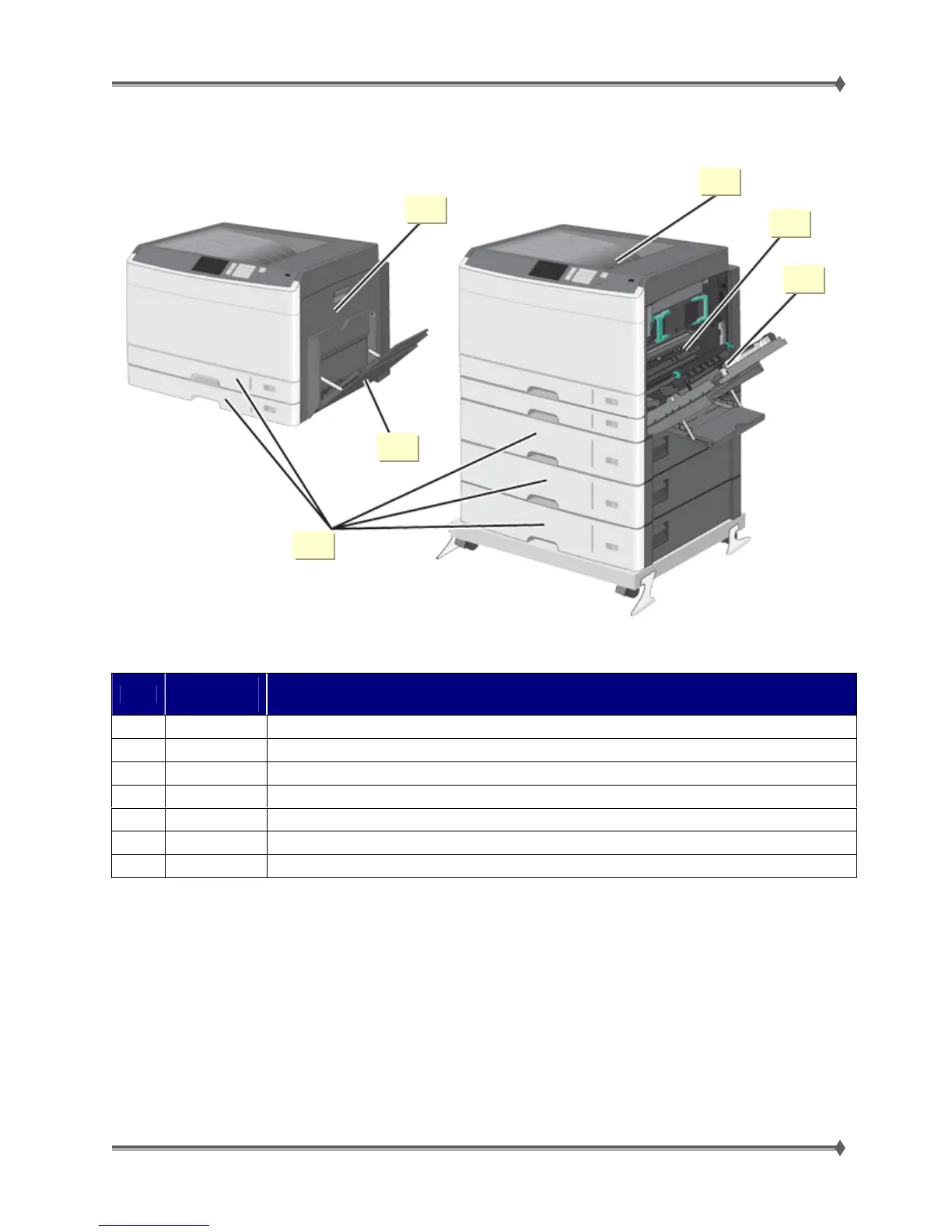
C925 Paper Jam Locations
Area
Jam
Message
Explanation
1
200.xx Paper jam in the transfer / carry area.
2
201.xx Paper jam in the fuser entry area.
3
203 Paper jam at the paper exit area.
4
230 Paper jam in the duplex.
4
231-39 Paper jam in the duplex. Check the duplex sensor area at the bottom of the duplex.
5
24x Paper jam in the paper tray. <x>indicates which tray the jam is in.
6
250 Paper jam in the MPF tray
1
2
3
5
4
6



 To Next Page