Lexmark C925/X925 Color Product Study Guide Rev 2.3
For Training Purposes Only 6/21/2011
49
Fax Print Quality Diagnostic Tips
Because a fax is composed of three main parts spanning two different machines, pinpointing a print
quality issue can be challenging. An important step in troubleshooting is to isolate the source of the print
quality problem by simple troubleshooting methods.
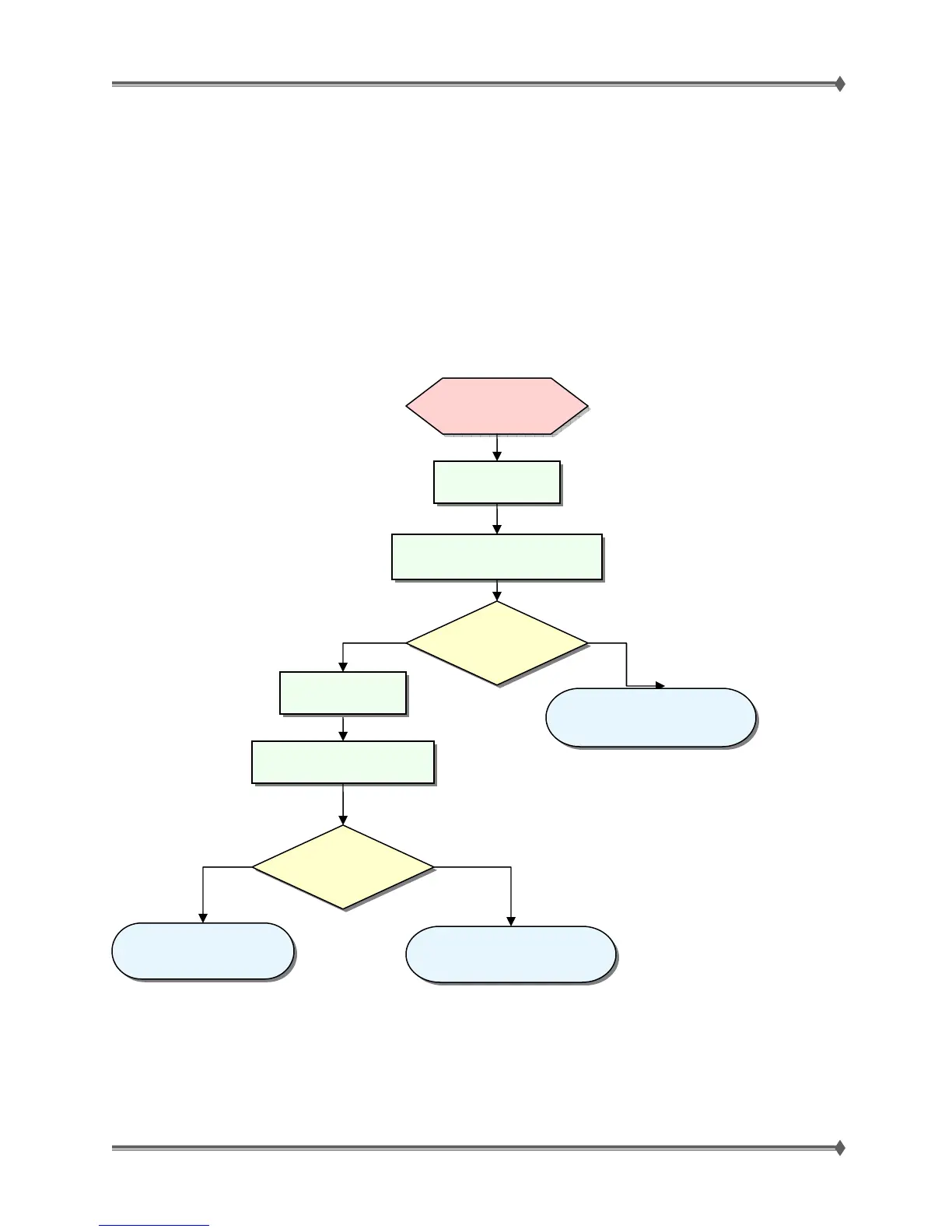
Below is a chart outlining the troubleshooting steps to determine if the sending fax, receiving fax or phone
line is the problem source. Please keep in mind that this chart only covers general print quality issues.
For more detailed information, it is recommended that you complete Lexmark’s online course called MFP
Overview.
Do the pages
look normal?
Receiving Fax
Quality is poor
Test Receiving
Fax
Print the Print Quality Pages in
the Receiving Fax.
Use the Copy function in the
Sending Fax.
Yes No
Do the pages
look normal?
Yes No
See Phone Line at Fault
on page 51
See Sending Fax Machine at
Fault on page 50
See Receiving Fax Machine
at Fault on page 51
Test the Sending
Fax



 To Next Page