Lexmark C925/X925 Color Product Study Guide Rev 2.3
For Training Purposes Only 6/21/2011
54
To back up the solutions, do the following:
1. Turn off the printer.
2. Press and hold 3, 4 and 6.
3. Turn on the printer.
4. Release the buttons when the splash screen appears.
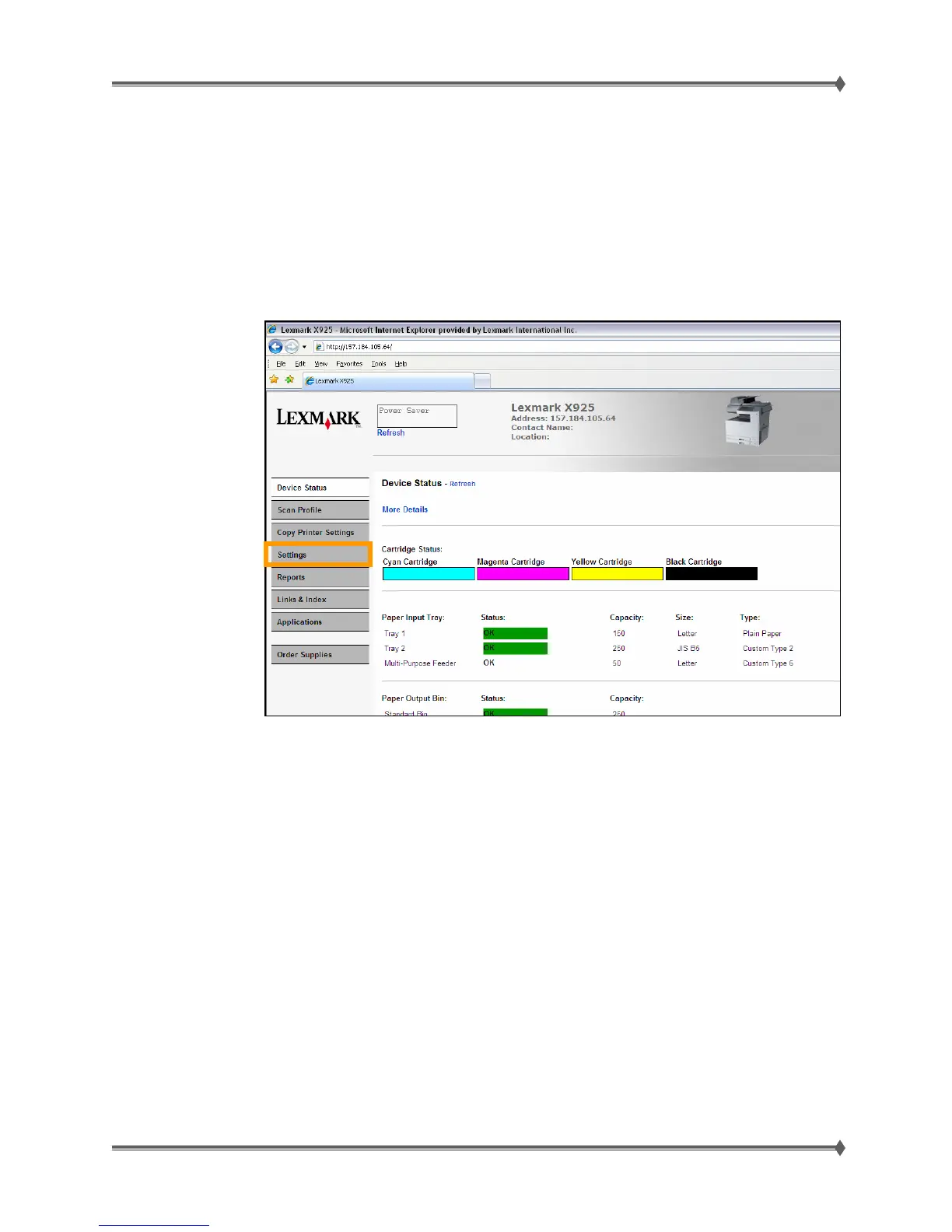
5. Access the printer's Web Page from a web browser.
6. Click on Settings



 To Next Page