Lexmark C925/X925 Color Product Study Guide Rev 2.3
For Training Purposes Only 6/21/2011
56
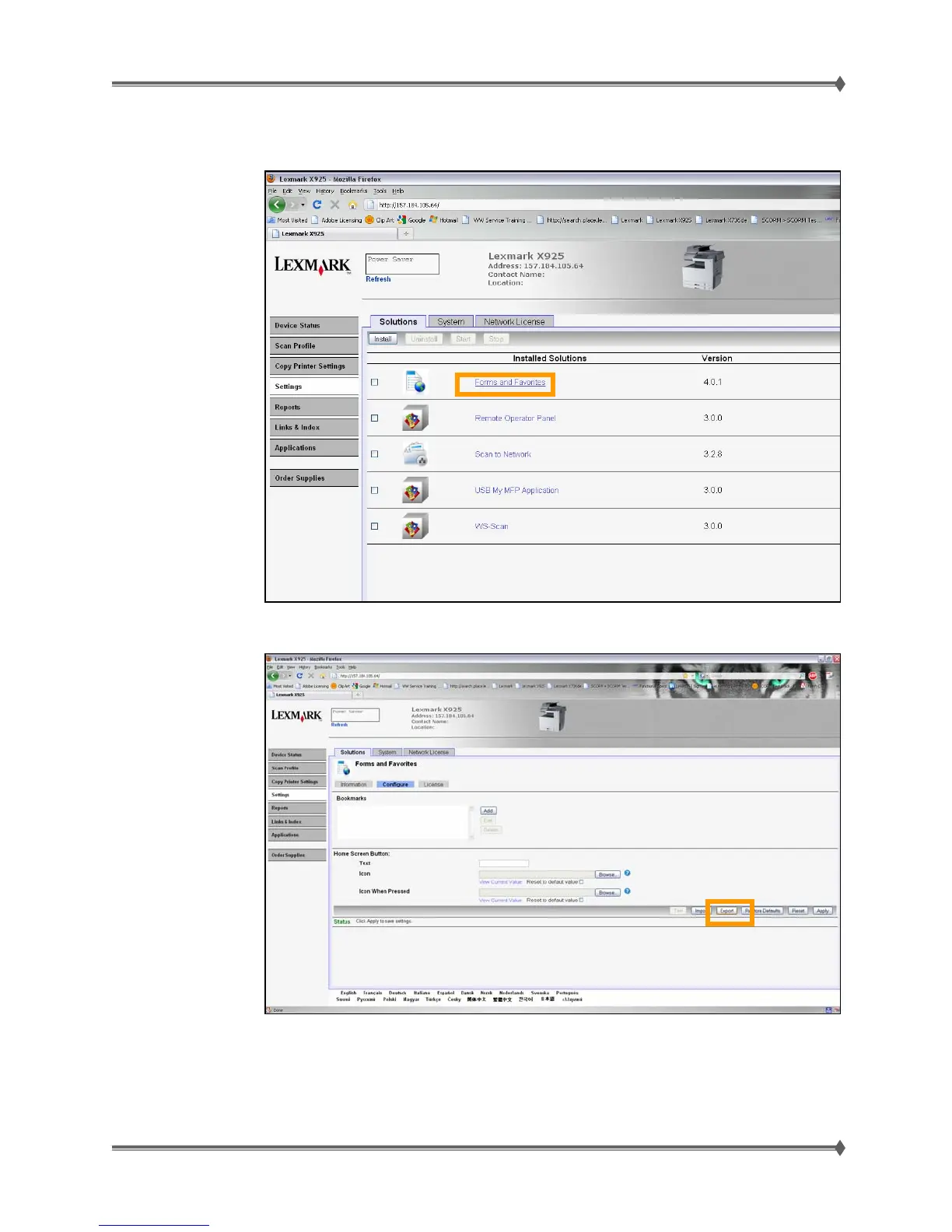
9. Select each application individually by clicking on the name (we’ll use Forms and Favorites in this
example)
10. Click on Export to create a file of that application’s settings
11. If the Web page cannot be accessed, or an error persists despite trying to boot in Invalid Engine
code mode, then there is no way to backup the eSF apps. Make the customer aware of this.



 To Next Page