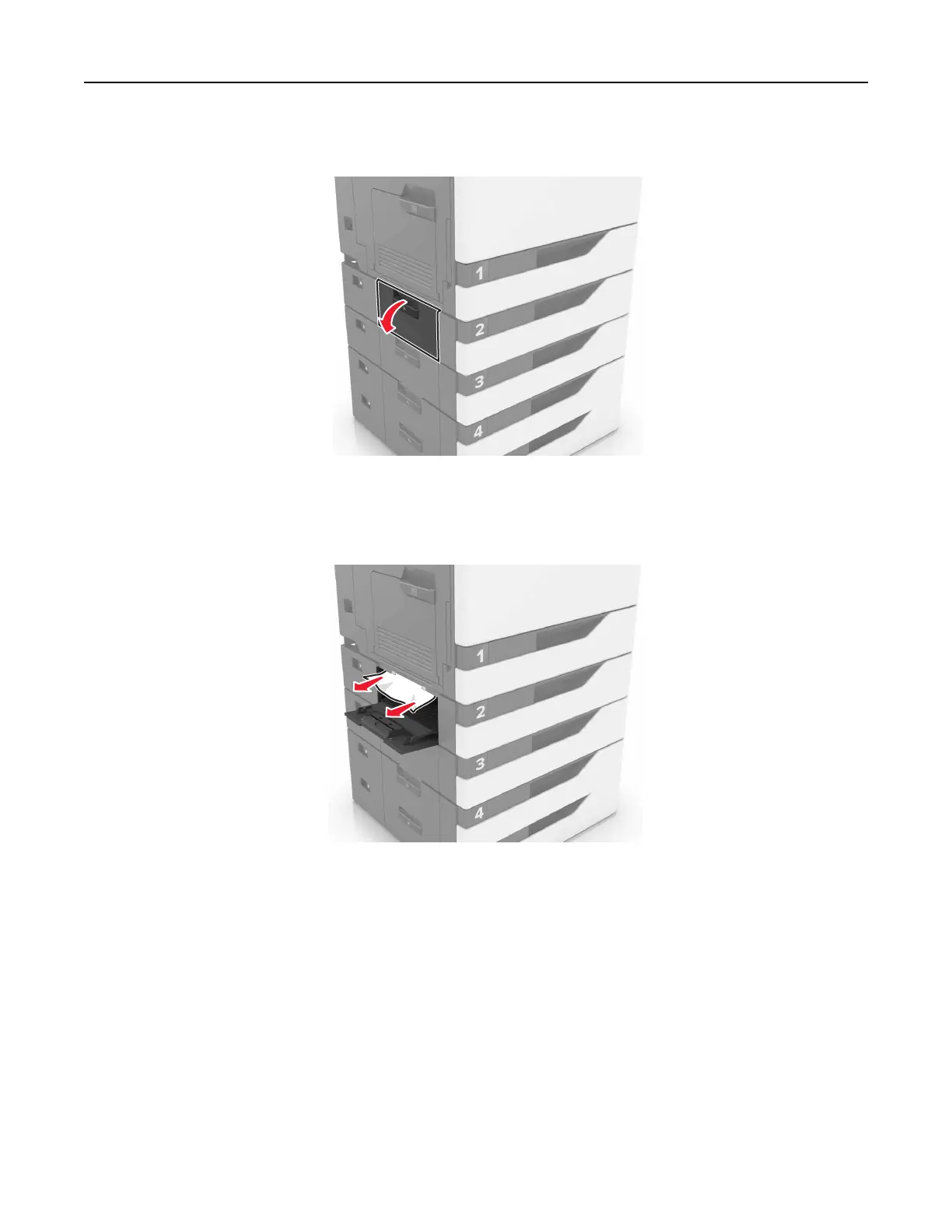
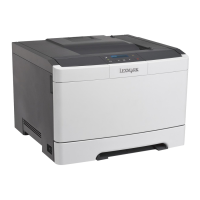
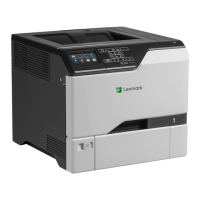
4 Open the tray cover.
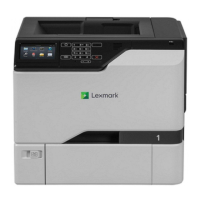
5 Remove the jammed paper.
Note: Make sure that all paper fragments are removed.
6 Close the tray cover.
Paper jam in the multipurpose feeder
1 Remove paper from the multipurpose feeder.
2 Remove the jammed paper.
Note: Make sure that all paper fragments are removed.
Clearing jams 67


 To Next Page