EasyManua.ls Logo

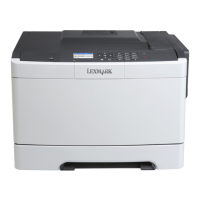
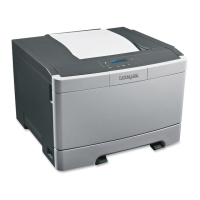
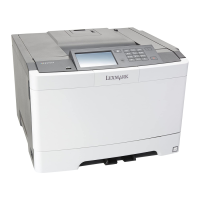
Lexmark CS510 - User Manual

Lexmark CS510
243 pages
Print Icon
To Next Page IconTo Next Page
Loading...
CS510
User's Guide
April 2012 www.lexmark.com
Machine type(s):
5027
Model(s):
610, 630

Table of Contents

Other manuals for Lexmark CS510

Questions and Answers

  • M
    Michael JenkinsAug 5, 2025
    What to do if my Lexmark Printer says 'Change [paper source] to [custom type name]'?
    • R
      Richard HoganAug 6, 2025
      If the Lexmark Printer prompts you to change the paper source to a custom type name, first ensure that the correct size and type of paper is loaded in the tray. Then, select 'Finished changing paper' on the printer control panel to clear the message and resume printing. For printers without a touch screen, press the 'OK' button to confirm. Alternatively, you can cancel the print job.

Lexmark CS510 Specifications

General IconGeneral
Print TechnologyColor Laser
Print Speed (Black)32 ppm
Print Speed (Color)32 ppm
Print Resolution1200 x 1200 dpi
Monthly Duty Cycleup to 75, 000 pages
Standard Memory512 MB
Maximum Memory2560 MB
Processor Speed800 MHz
Paper Input Capacity250 sheets
Paper Input Capacity (Maximum)1450 sheets
Paper Output Capacity150 sheets
Operating System CompatibilityWindows, Mac OS, Linux
ConnectivityUSB, Ethernet
Media Types SupportedPlain Paper, Card Stock, Labels, Envelopes
Media SizesA4, A5, A6, Executive, Legal, Letter
Mobile PrintingLexmark Mobile Print
Toner CartridgesCyan, Magenta, Yellow, Black

Videos

How to Refill Lexmark CS510 Cartridges

Related product manuals