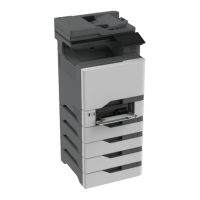
[x]‑page jam, clear multipurpose feeder [250.xx]
1 Push the paper release lever in the multipurpose feeder to access the jammed paper, and then gently pull out the
paper.
Note: Make sure all paper fragments are removed.
2 Flex the sheets back and forth to loosen them, and then fan them. Do not fold or crease the paper. Straighten the
edges on a level surface.
3 Reload paper into the multipurpose feeder.
Clearing jams 176



 To Next Page