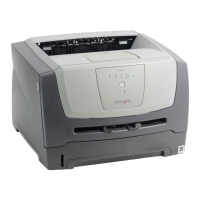
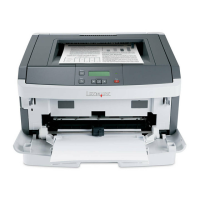
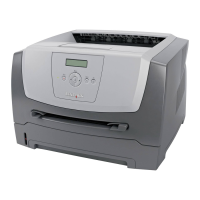
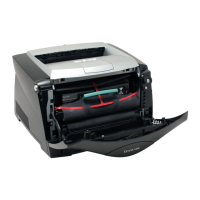
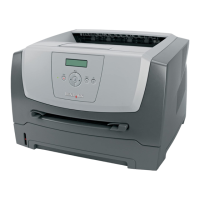
Loading print media into Tray 1
50
Print media tasks and tips
Prepare a stack of print media for loading by flexing or fanning it back and forth. Straighten the edges on a level surface.
3 Place the prepared stack of print media into the tray and push the attached backstop lightly against the end of the
loaded stack.
4 Push the guides lightly against the loaded stack of print media.
Note: Use care not to overfill. Placing more than 150 sheets into Tray 1 may cause jams.


 To Next Page