29
4
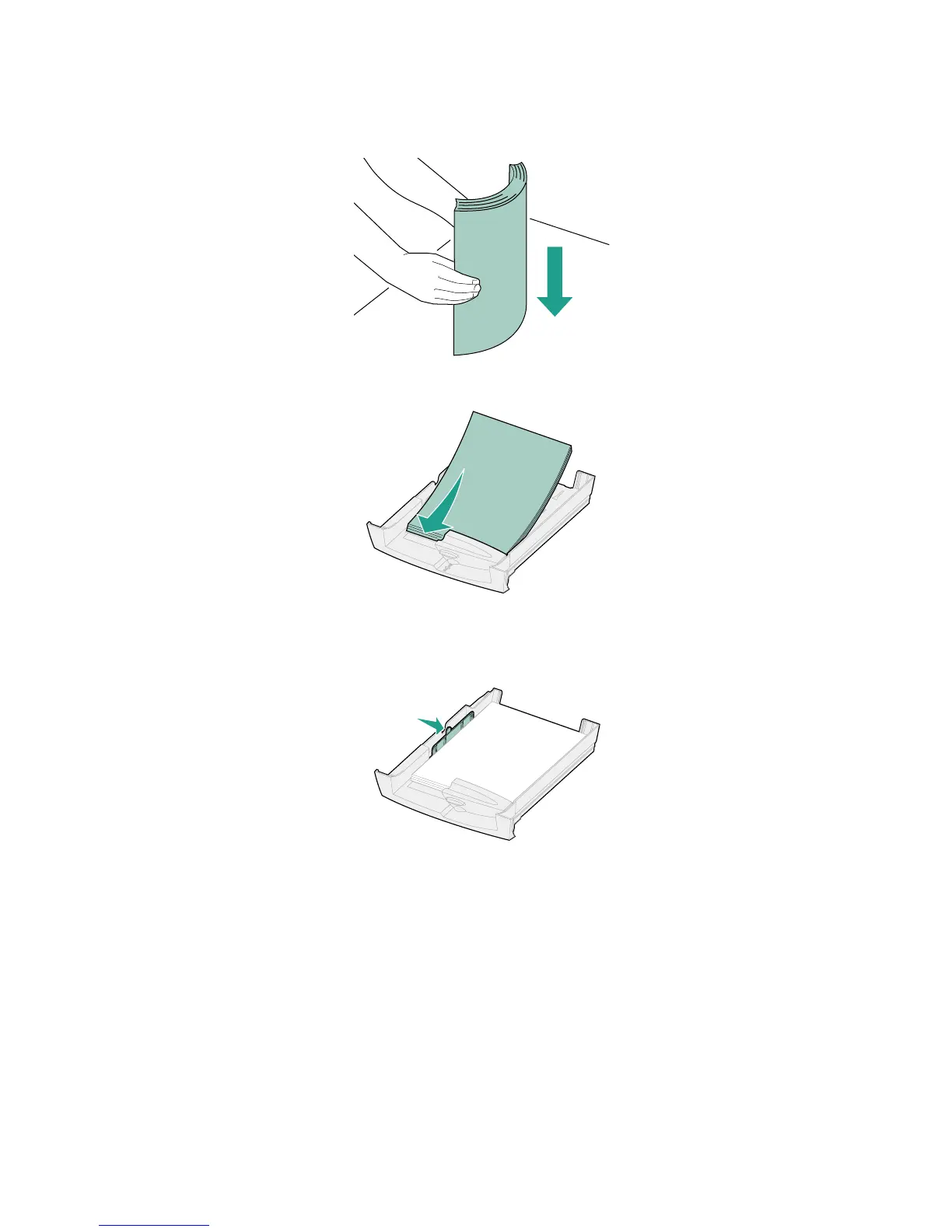
Before loading media, flex the sheets back and forth to loosen them, and then fan them.
Straighten the edges on a level surface.
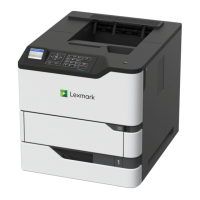
5 Place the paper in the tray, print side down.
Do not exceed the paper stack height indicator on the right side of the tray.
6 Squeeze the width guide and slide it to the right until it is lightly touching the edge of the paper
stack.
7 Reinstall the paper tray.


 To Next Page