40
2-1. Basic information before operation
*
: With navigation function
● Keyboard layout can be changed.
(P.68)
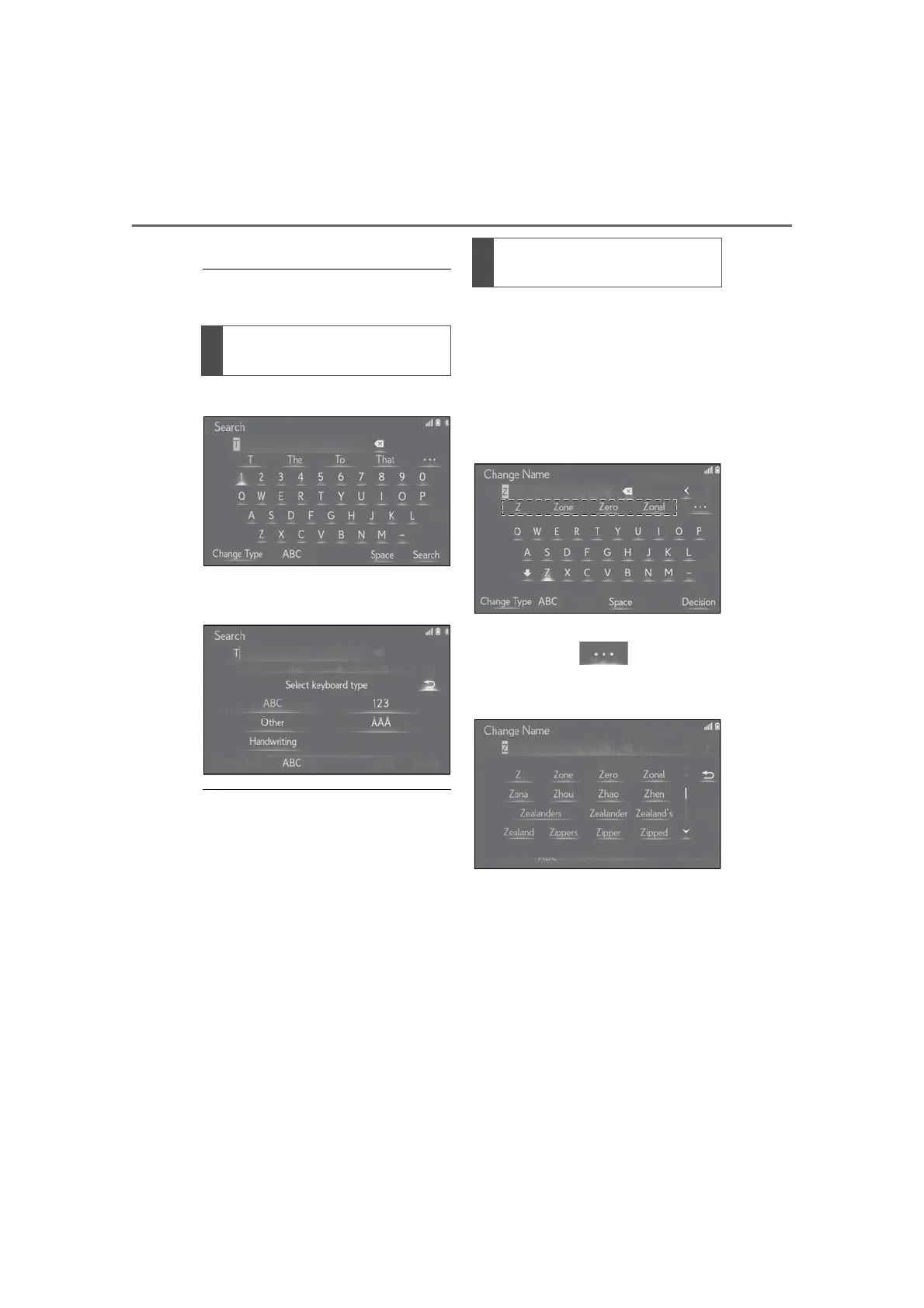
1 Select “Change Type”.
2 Select the desired character and
keyboard.
● Depending on the screen being dis-
played, it may not be possible to change
keyboard characters.
When text is input, the system predicts
the text that may complete the cur-
rently unconfirmed text and displays
predictive replacement candidates
that match the beginning of the text.
1 Input text.
2 Select the desired candidate.
To select a candidate that is not dis-
played, select , and then
select the desired predictive
replacement candidate.
Changing character and key-
board type
Select to display predictive text
candidates



 To Next Page