42
2-1. Basic information before operation
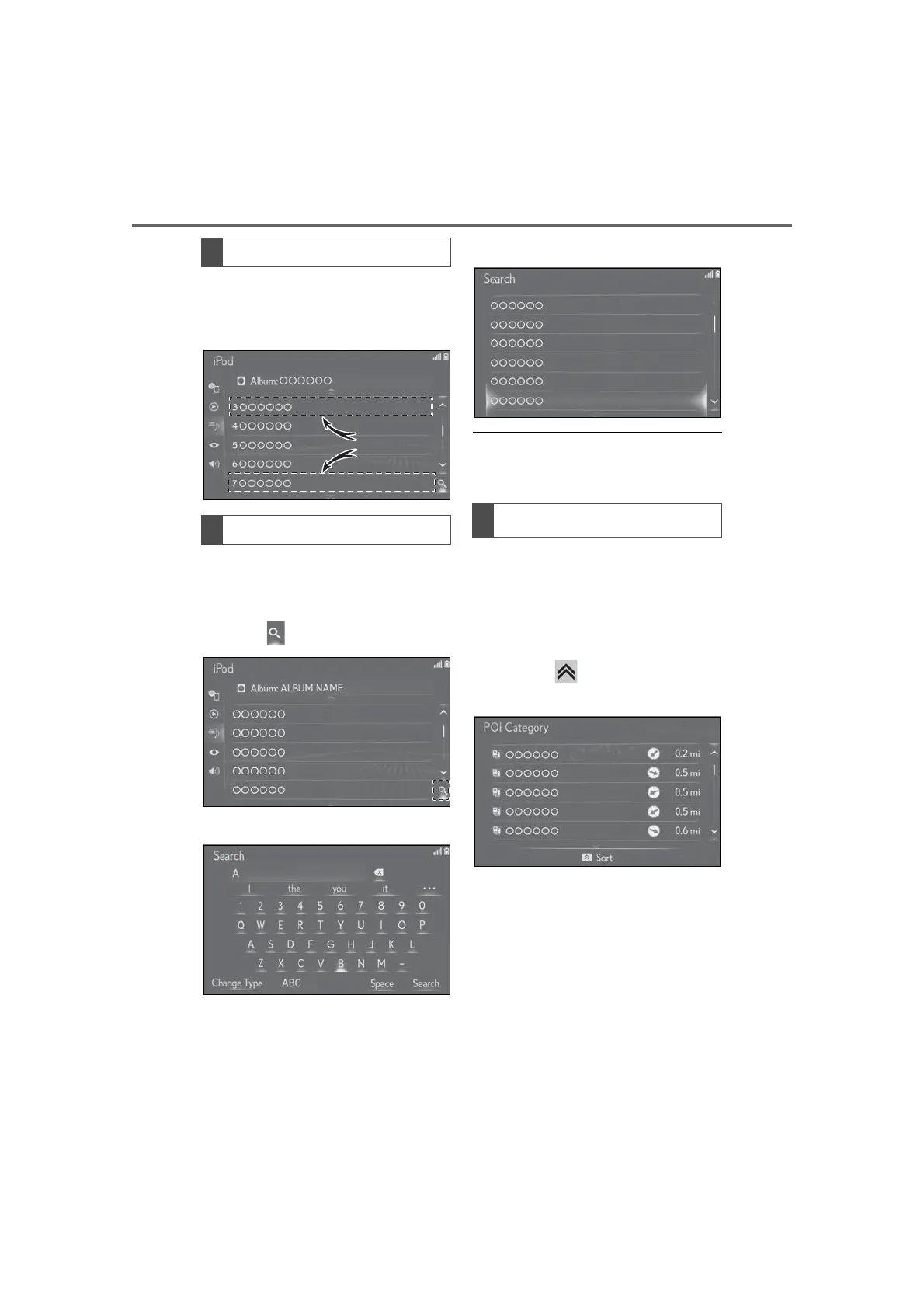
The list can be scrolled by flick opera-
tion when the cursor is over the top or
bottom part of the list.
Items are displayed in the list with the
most similar results of the search at the
top.
1 Select .
2 Input text.
3 Select “Search”.
4 The list is displayed.
● 12.3-inch display model: When text is
input, a candidate list of items to search
for is displayed on the side screen.
*
: With navigation function
The order of a list displayed on the
screen can be sorted in the order of
distance from the current location,
date, category, etc.
1 Press the button on the Remote
Touch.
2 Select the desired sorting criteria.
List screen flick operation
Searching a list
Sorting
*



 To Next Page