72
2-4. Other settings
ting cannot be changed when a
device is connected to the system
via USB. Disconnect the device
before attempting to change the
setting.
Select to turn Android Auto con-
nection establishment on/off when
a compatible device is connected
to the system via USB. (P.62)
Depending on the system, this set-
ting cannot be changed when a
device is connected to the system
via USB. Disconnect the device
before attempting to change the
setting.
Registered or changed personal set-
tings will be deleted or returned to
their default conditions.
1 Display the general settings screen:
“MENU” button “Setup”
“General”
2 Select “Delete Personal Data”.
3 Select “Delete”.
4 Select “Yes” when the confirmation
screen appears.
Examples of settings that can be returned
to their default conditions:
Navigation settings
*
Audio settings
Phone settings
Lexus Enform App Suite 2.0 set-
tings
etc.
*
: With navigation function
*
: This function is not available in some
countries or areas.
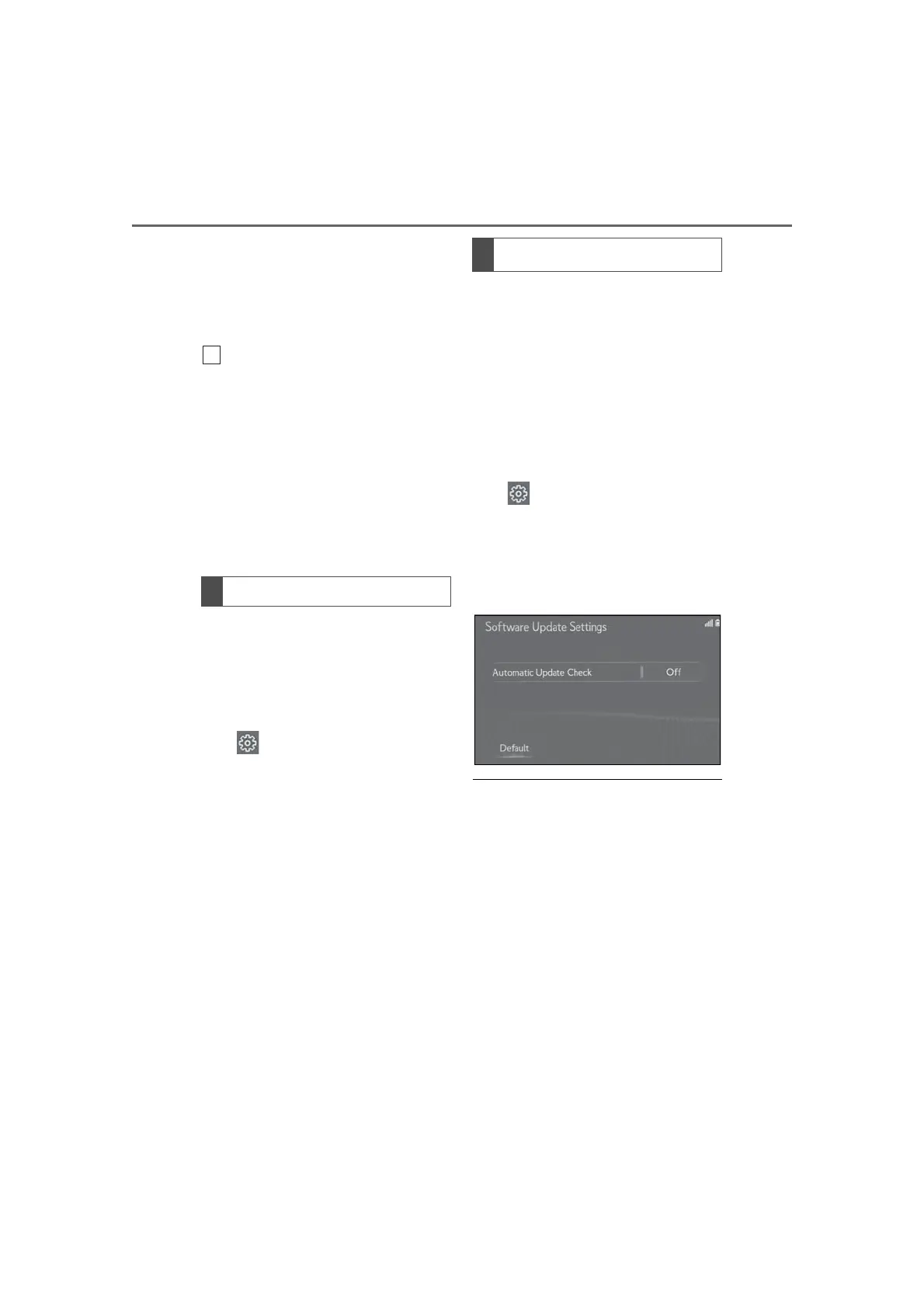
When the automatic update check
function is enabled, if a software
update is available from the Lexus
Enform center, a message will be dis-
played.
1 Display the general settings screen:
“MENU” button “Setup”
“General”
2 Select “Software Update Setting”.
3 Select “Automatic Update Check”
to enable/disable the automatic
update check function.
● When software update information is dis-
played, contact your Lexus dealer.
Deleting personal data
Software update settings
*



 To Next Page