16
ENG
ENGLISH
ASSEMBLING AND PREPARING
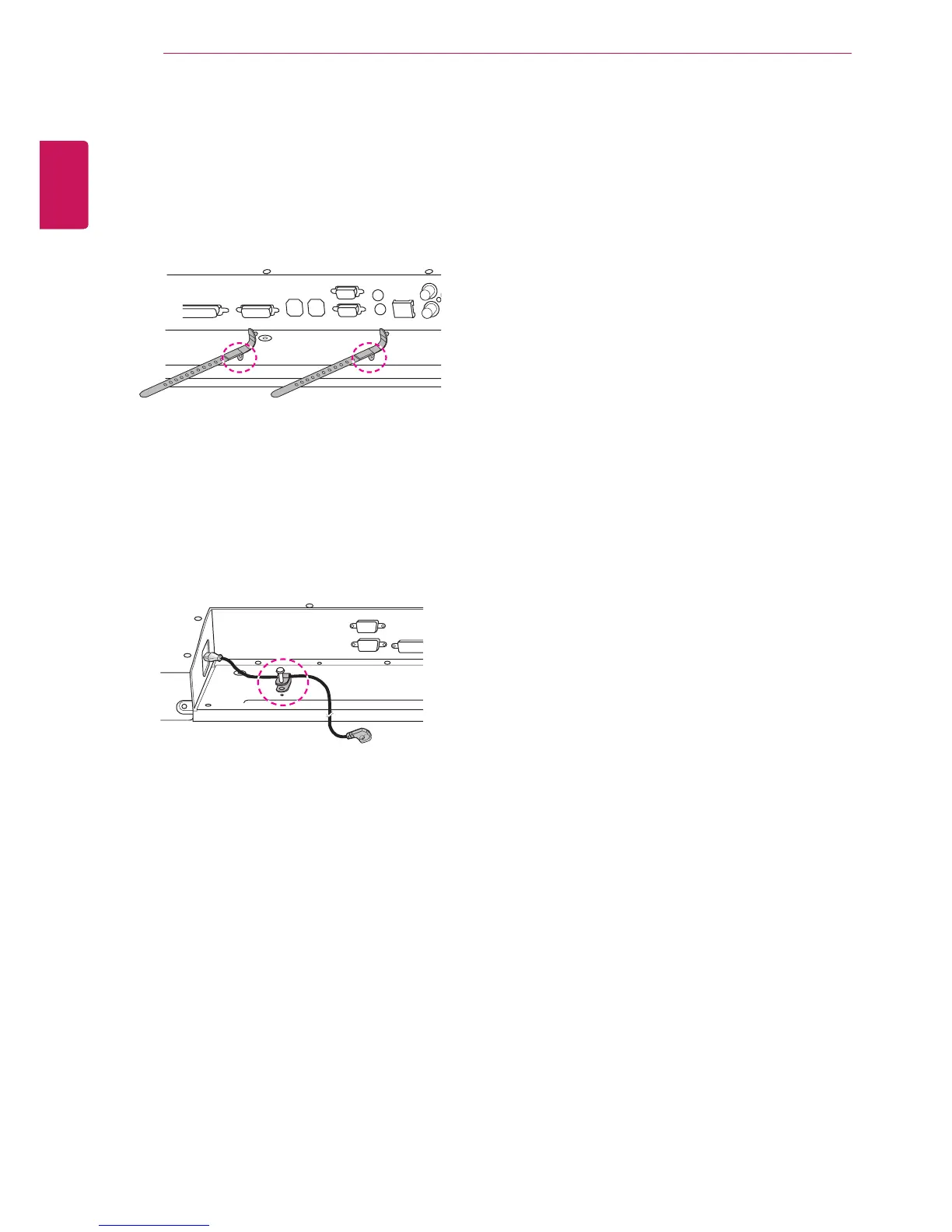
As illustrated, insert two cable holders into the
holes at the bottom rear of the set to organize the
cable bundles.
As illustrated, screw the power cable holder into
the hole on the bottom rear of the set to hold the
power cables together. (This is to put the power
cables inside the holder.)
Inserting the Cable Holder



 To Next Page