53
ENG
ENGLISH
CUSTOMIZING SETTINGS
NETWORK settings
1
Press MENU to access the main menus.
2
Press the Navigation buttons to scroll to NETWORK and
press OK.
3
Press the Navigation buttons to scroll to the setting or
option you want and press OK.
- To return to the previous level, press BACK.
4
When you are finished, press EXIT.
When you return to the previous menu, press BACK.
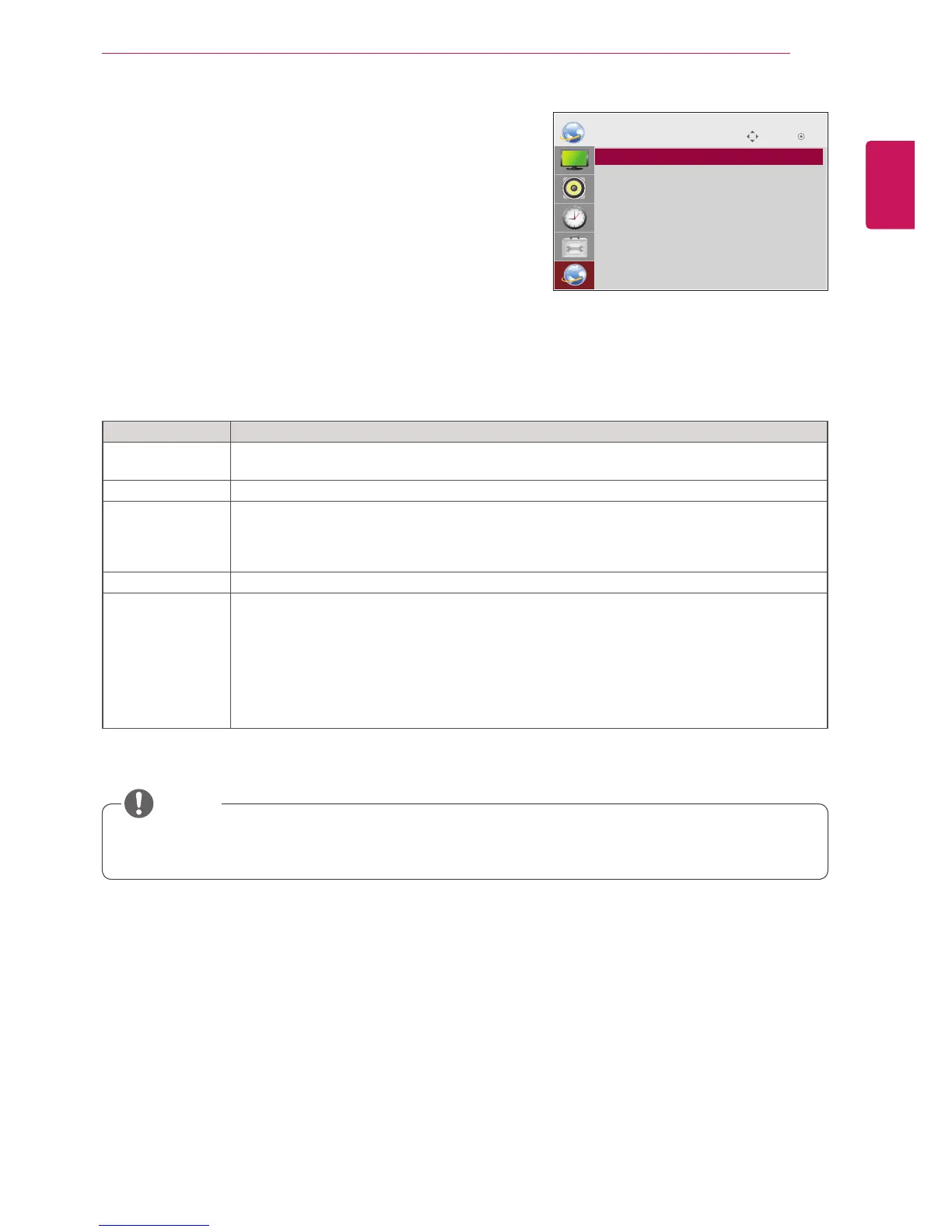
The available option settings are described in the following:
Move OK
NETWORK
ꔋ
• Player Name Setting
• Network Setting
• Network Status : Not connected
• Server IP Setting
• Server IP Status : Not connected
y Network setting menu will not be available until the display connected to physical network.
Setting Description
Player Name
Setting
Sets the player name used in SuperSign Elite-W Lite server.(Up to 20 characters)
Network Setting Configure the network settings.
Network Status Display the network status.
- Internet is connected : Extermally connected
- Netmwork is connected : Only internally connected
- Not connected : When there is no network connection
Server IP Setting Sets the IP address of the computer (server) on which SuperSign Elite-W Lite server is installed.
Server IP Status Displays the connection status with the server.
- Not connected : When there is no network connection with SuperSign Elite-W Lite server
- Waiting for approval : When network connection with SuperSign Elite-W Lite server has been
made, but access to server has not been approved by the server
- Rejected : When network connection with SuperSign Elite-W Lite server has been made, but
access to server has been rejected by the server
- Internet is connected : When network connection with SuperSign Elite-W Lite server has been
made and access to server has also been approved by the server
NOTE



 To Next Page