NOTE
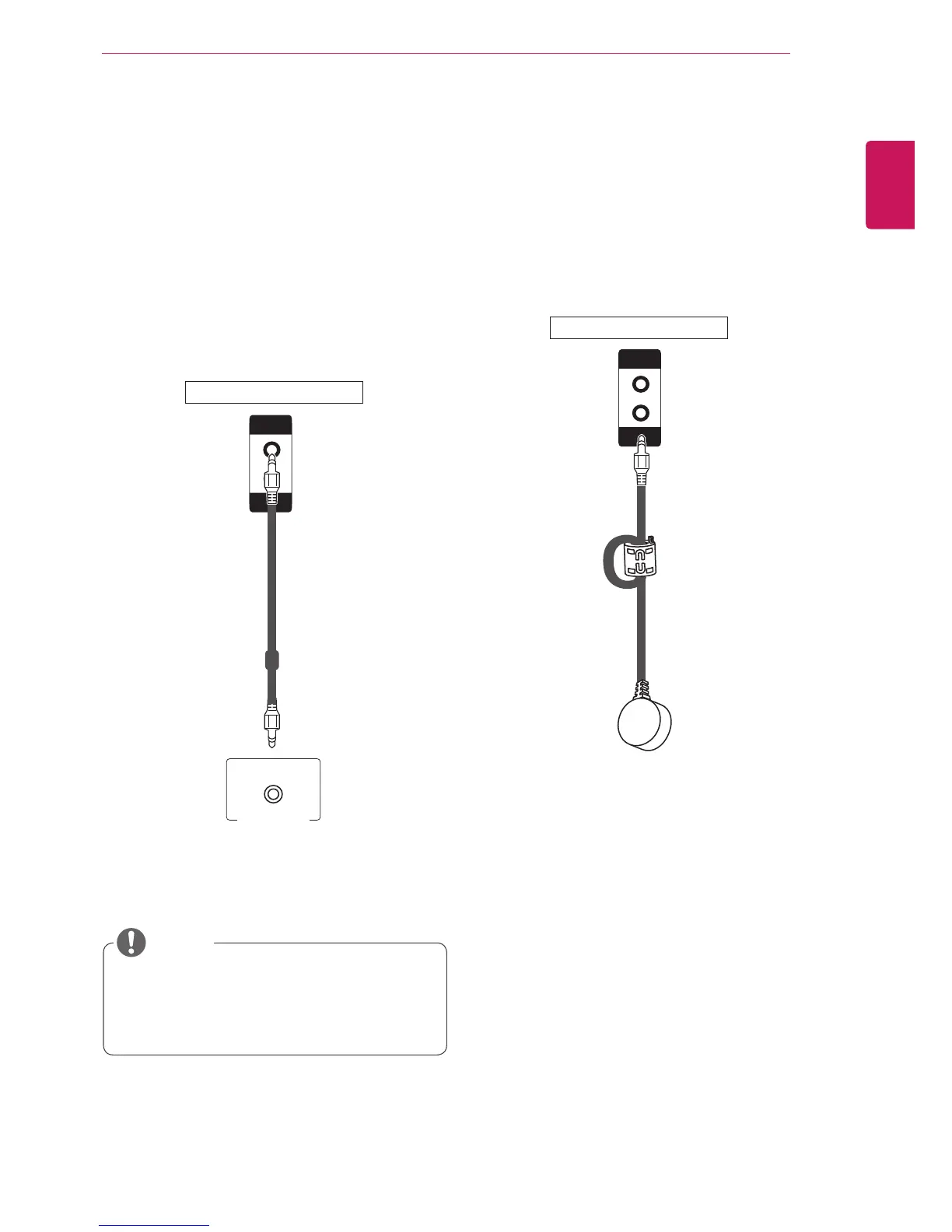
Audio connection
Transmits the audio signals from your PC to the
Monitor set. Connect the PC and the Monitor set
with the Audio cable as shown in the following
illustrations. You should set PC as an input label
to connect the PC to the Monitor set with an Audio
connection.
IR Receiver connection
Allows the use of a wired remote or IR receiver
extension.
PC
(not included)
y
To ensure the best sound quality and
minimize noise, keep the cable as short as
possible.
Back of the Monitor Set
Back of the Monitor Set



 To Next Page