7
ENG
ENGLISH
ASSEMBLING AND PREPARING
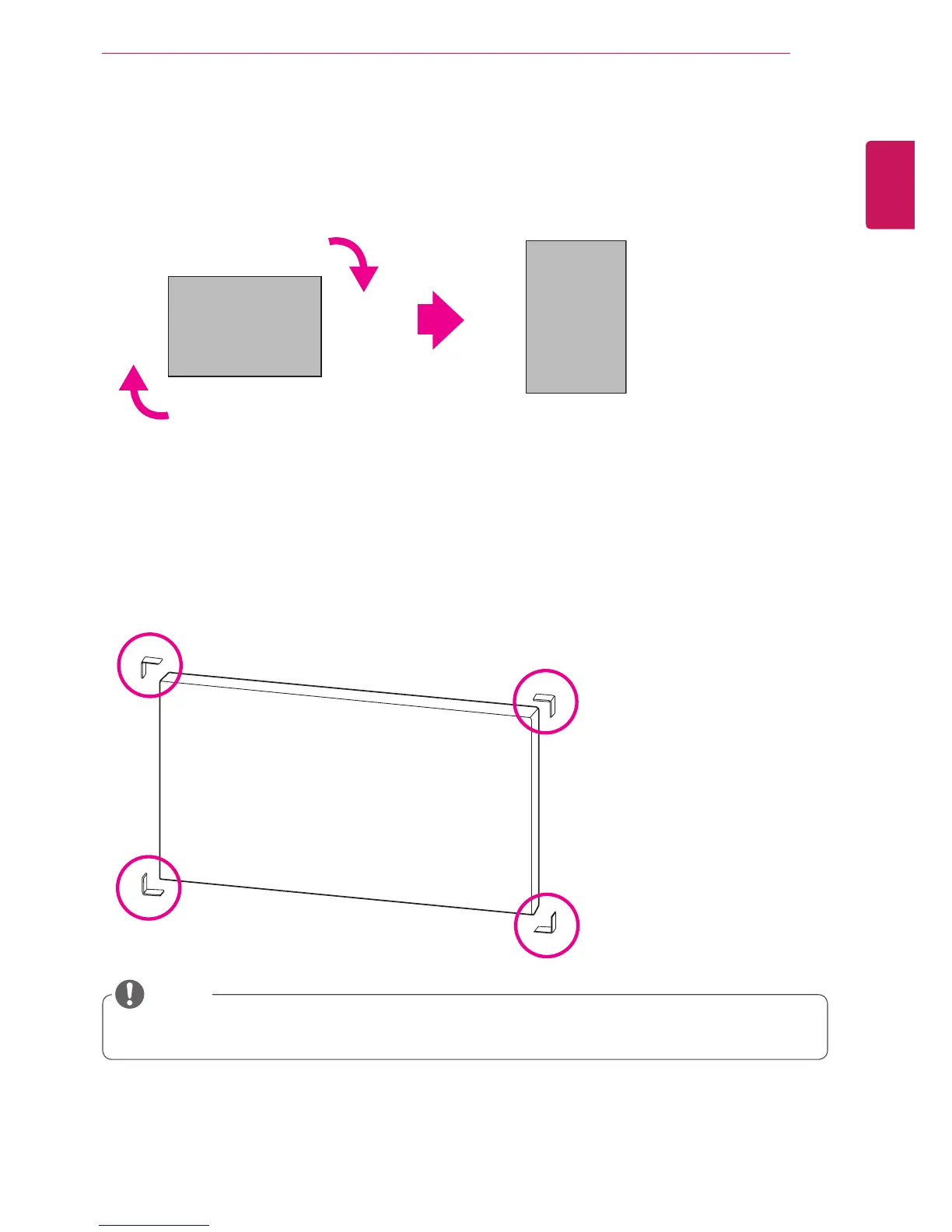
To install in a Portrait Layout
When installing in a Portrait Layout, rotate the monitor clockwise 90 degrees (when facing the screen).
Remove L-brackets before Installation
Remove the L-brackets from each corner of the monitor before installing it.
Keep the removed L-brackets and use them when moving the monitor later.
NOTE



 To Next Page