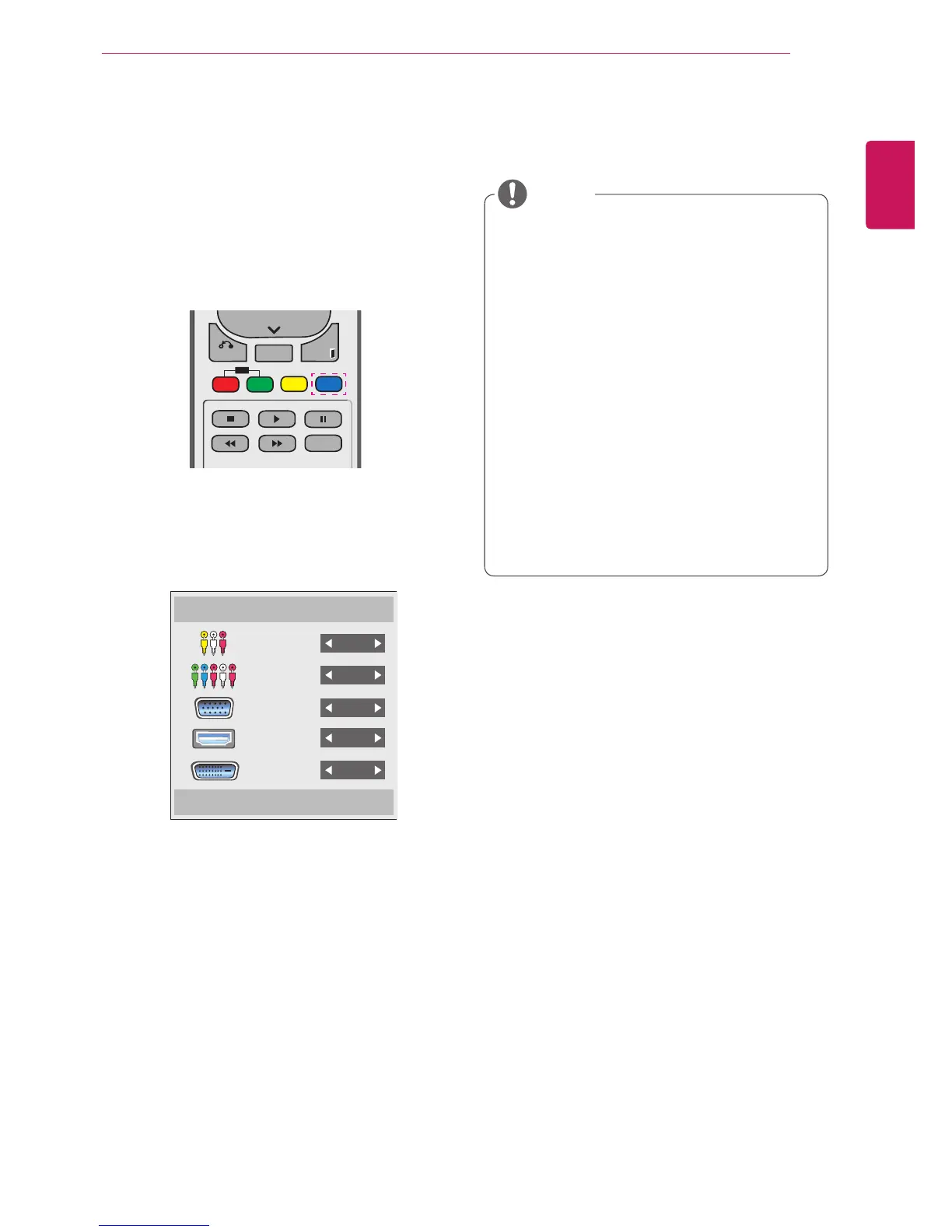
1 Access the Input list screen and press the blue
(input label) button on the remote control.
2 You can assign an input label for every input
except USB.
Input Label
Close
Component
AV
RGB
HDMI
DVI-D
y
External inputs supported: AV, Component,
RGB, HDMI, DVI-D. (AV only support 47WV-
30BR and 47WV30MS)
y
Labels available : VCR, DVD, Set top box,
Satellite, Game, PC, Blue-ray, HD-DVD
y
The input labels are displayed on the Input
Label screen or at the top left of the screen
when you change the external input setting.
y
For DTV/PC-compatible signals, such as
1080p 60 Hz, the screen settings may
change according to the input label. The Just
Scan option is available if a PC is connected
as an external device. (1080p only support
47WV30BR and 47WV30MS)
y
47WV30-BAAL/47WV30-BAAM/47WV30BS
does not support AV input.
NOTE



 To Next Page