Installation
Installation Precautions
y
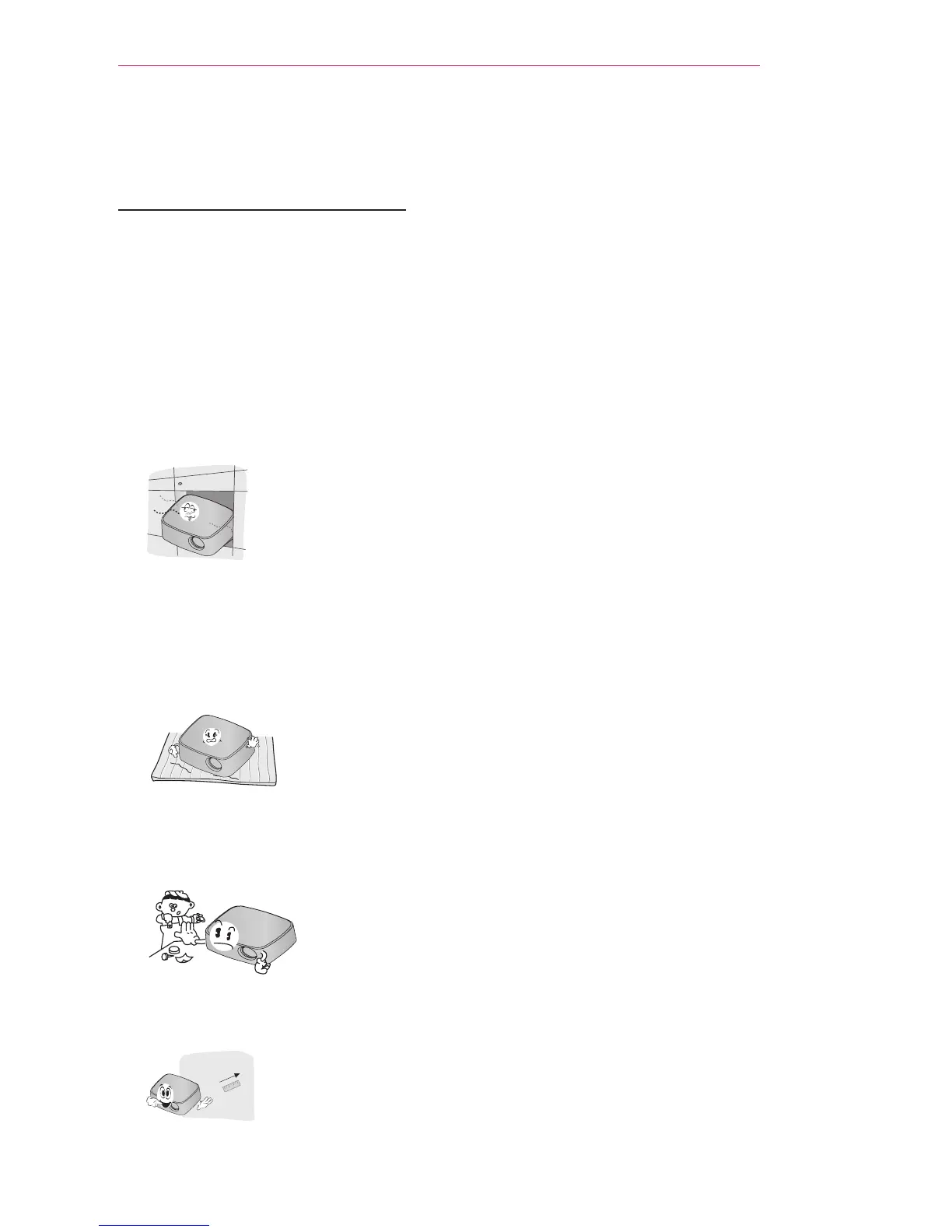
Use the projector in a well-ventilated
environment.
- To prevent excessive internal heat,
install the projector in a well-ventilat-
ed location. Do not place anything
near the projector, as this may block
its air vents. If the air vents are
blocked, the internal temperature
increases.
- Do not place the projector on a
carpet or rug. If the projector's inlet
vent is on the bottom,
be careful not
to block the vent and
always use the
projector on a solid, level surface.
- Be sure to prevent foreign objects,
such as paper and debris, from
entering the projector.
- Leave adequate distance (at least
30 cm) around the projector.
y
Do not place the projector in a hot or
humid environment.
- Do not place the projector in a hot,
cold, or humid environment.
y
Do not place the projector in a place
where it can attract dust.
- Otherwise, this may result in fire.
y
Do not remove any covers, except for
the lens cap. There is a high risk of
electric shock.
y
The projector is manufactured
using high-precision technology. You
may, however, see tiny black dots
and/or bright colored dots that con-
tinuously appear on the
projector screen. This is a
normal result of the manufacturing
process and does not indicate a mal-
function.
y
The remote control may not work
in an environment where a lamp
equipped with electronic ballasts or
a three-wavelength fluorescent lamp
is installed. In this case, replace the
lamp with a standard international
lamp for the remote control to work
properly.



 To Next Page