47
CUSTOMIZING SETTINGS
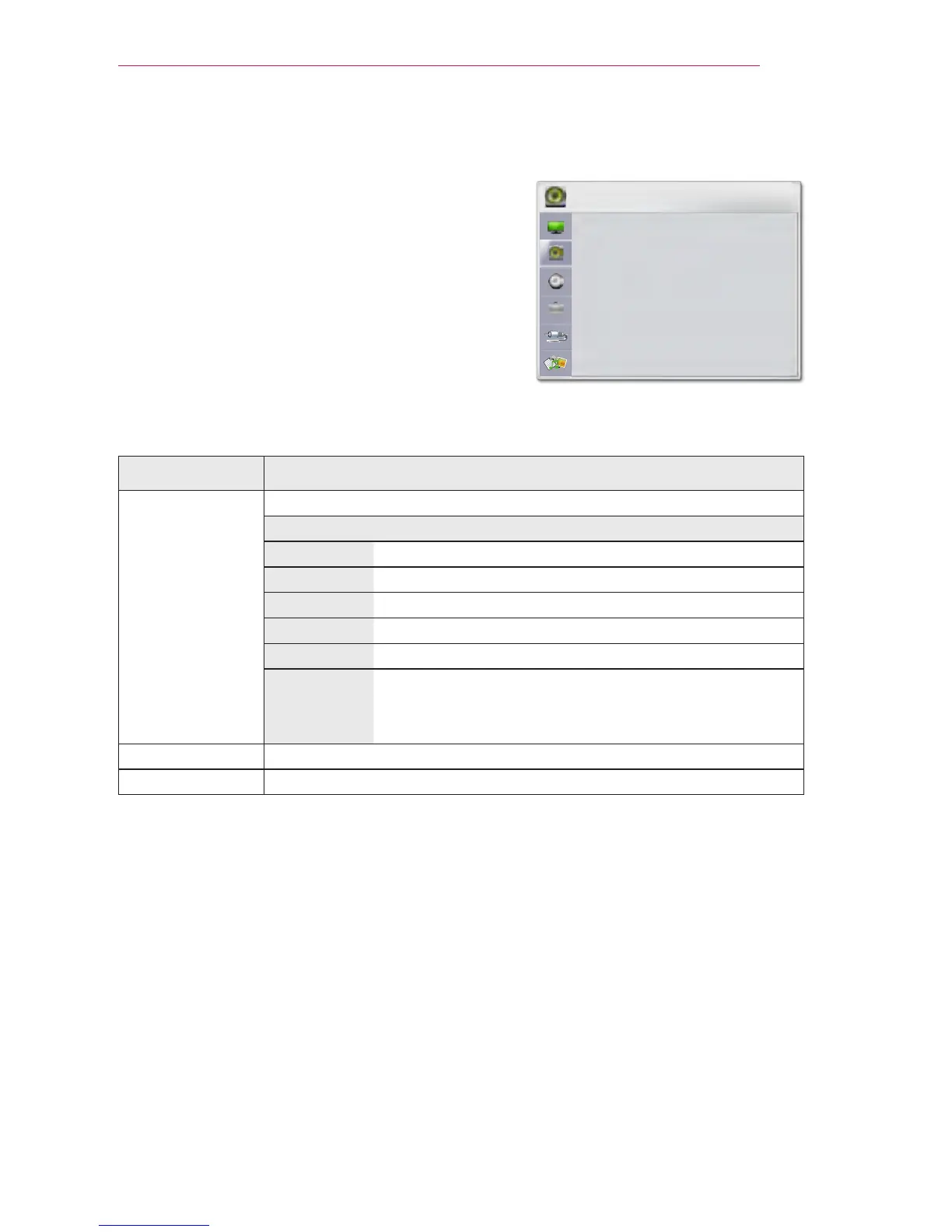
AUDIO Settings
1 Press the SETTINGS button.
2 Use the , , , or button to select AUDIO,
then press the OK
ꔉ
button.
3 Use the , , , or button to set up the
desired item, then press the OK
ꔉ
button.
- To return to the previous menu, press the
BACK button.
4 Press the EXIT button when completed.
The available sound settings are as follows:
Item Description
Sound Mode Adjusts sound.
Mode
Standard Selects a standard sound.
Music Select when listening to music.
Movie Select when watching a movie.
Sport Select when watching sports events.
Game Select when playing a game.
User Setting
Audio-band (100 Hz / 300 Hz/ 1 kHz/ 3 KHz /
10 KHz) can be adjusted from -10 to 10
Reset: Restores all the settings to the factory default.
Clear Voice II Makes the voice from the projector crisp and clear.
Auto Volume Automatically adjusts the volume level.
AUDIO
ꔂ Move ꔉ OK
• Sound Mode : Standard
• Clear Voice II : Off ꕅ 3
• Auto Volume : Off



 To Next Page