28
ENTERTAINMENT
MY MEDIA
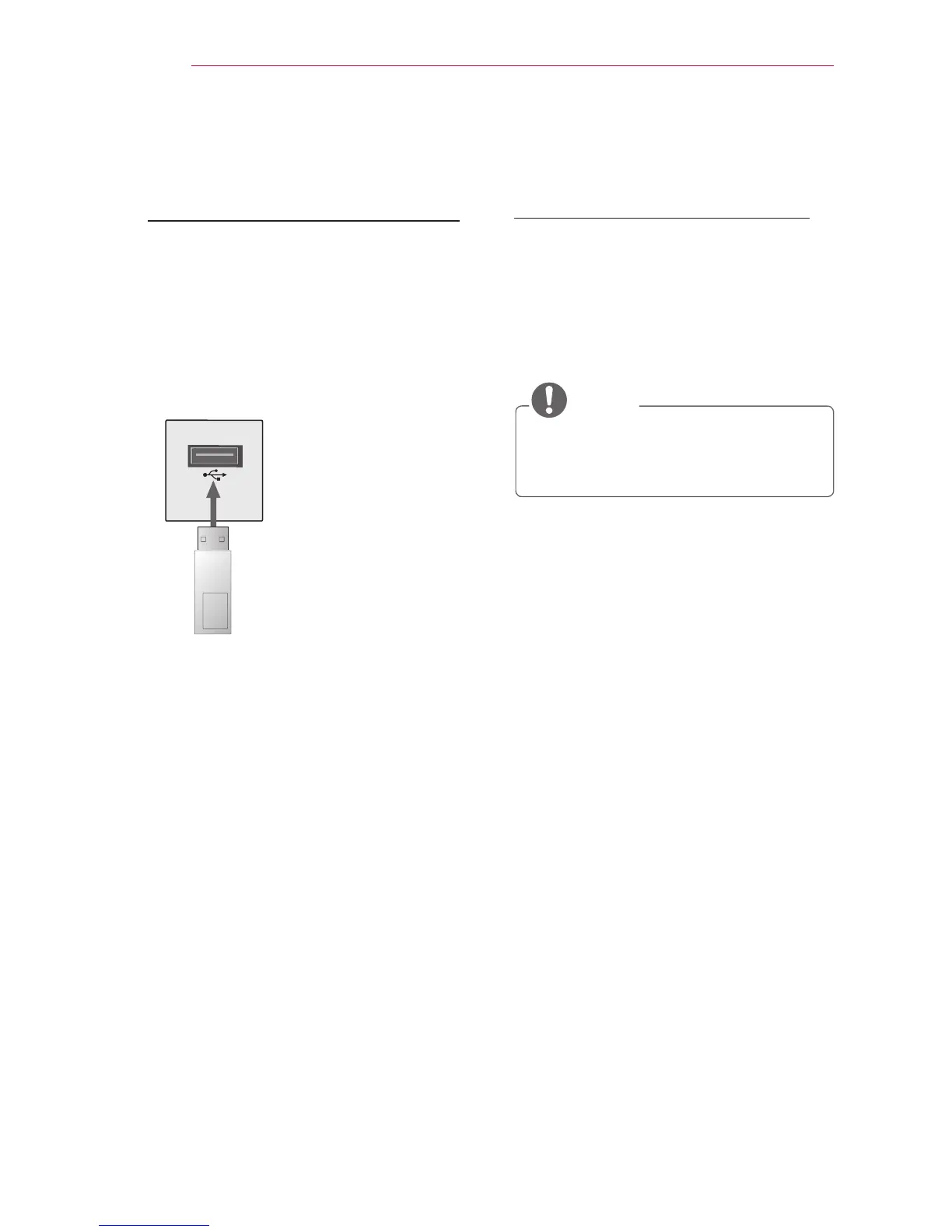
Connecting a USB Device
When a USB storage device is connect-
ed, the USB adjustment screen appears.
You cannot write or delete data to or
from the USB device.
Connect a USB ash drive as shown
below.
USB Flash drive
Removing a USB Device
1 Press the Q.MENU button.
2 Use the or button to move to USB
Device, then press the OK button.
3 Remove the USB device.
NOTE
y
After the USB device is disconnect-
ed, it cannot be read. Remove the
USB device, then connect it again.



 To Next Page