24
USING THE PROJECTOR
Additional Options
Adjusting the Aspect
Ratio
You can adjust the aspect ratio of the
picture by pressing RATIO while watch-
ing.
NOTE
y
Available options may vary depend-
ing on the input signal.
y
You can also use the Q.MENU or
SETTINGS button.
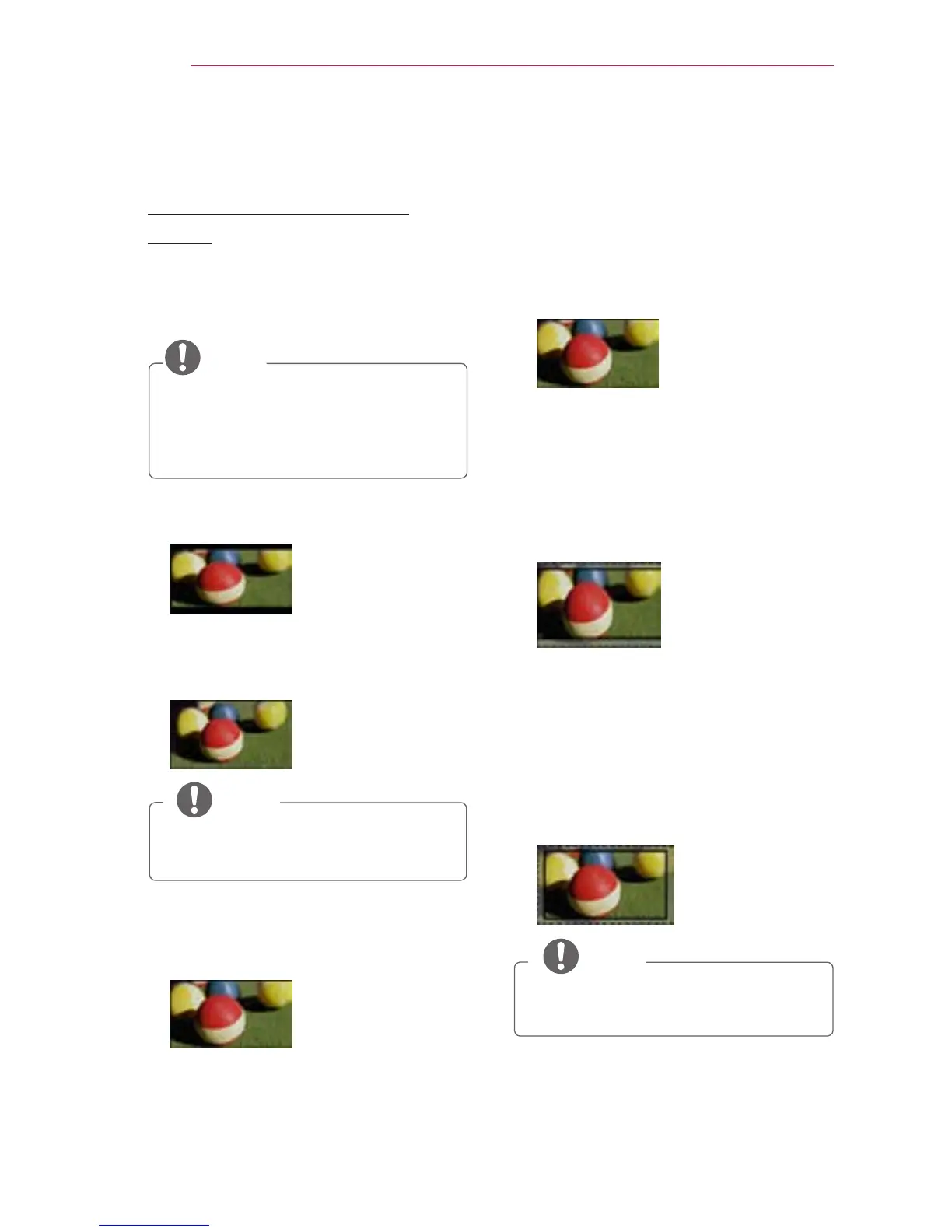
- 16:9: Resizes the picture to a 16:9
ratio.
- Just Scan: Displays high-denition
images in the original size without
cutting off the edges.
Just Scan
NOTE
y
In Just Scan, you may see image
noise at the edges of the screen.
- Set By Program: Displays images in
the same aspect ratio as the original
image.
- 4:3: Resizes the picture to a 4:3
ratio.
- Zoom: Enlarges an image to t the
screen width. The top and bottom of
the image may be truncated.
y
Press the
button to zoom in
to or out of the image.
y
Press the
button to move
the image.
- Cinema Zoom 1: Enlarges an image
at a cinemascope ratio of 2.35:1
without distortion. It ranges from 1 to
16.
y
Press the
or
button to zoom in
to or out of the image.
y
Press the
or
button to move
the image.
NOTE
y
If you enlarge or reduce the
picture, it may be distorted.
Set By Program



 To Next Page