58
MAINTENANCE
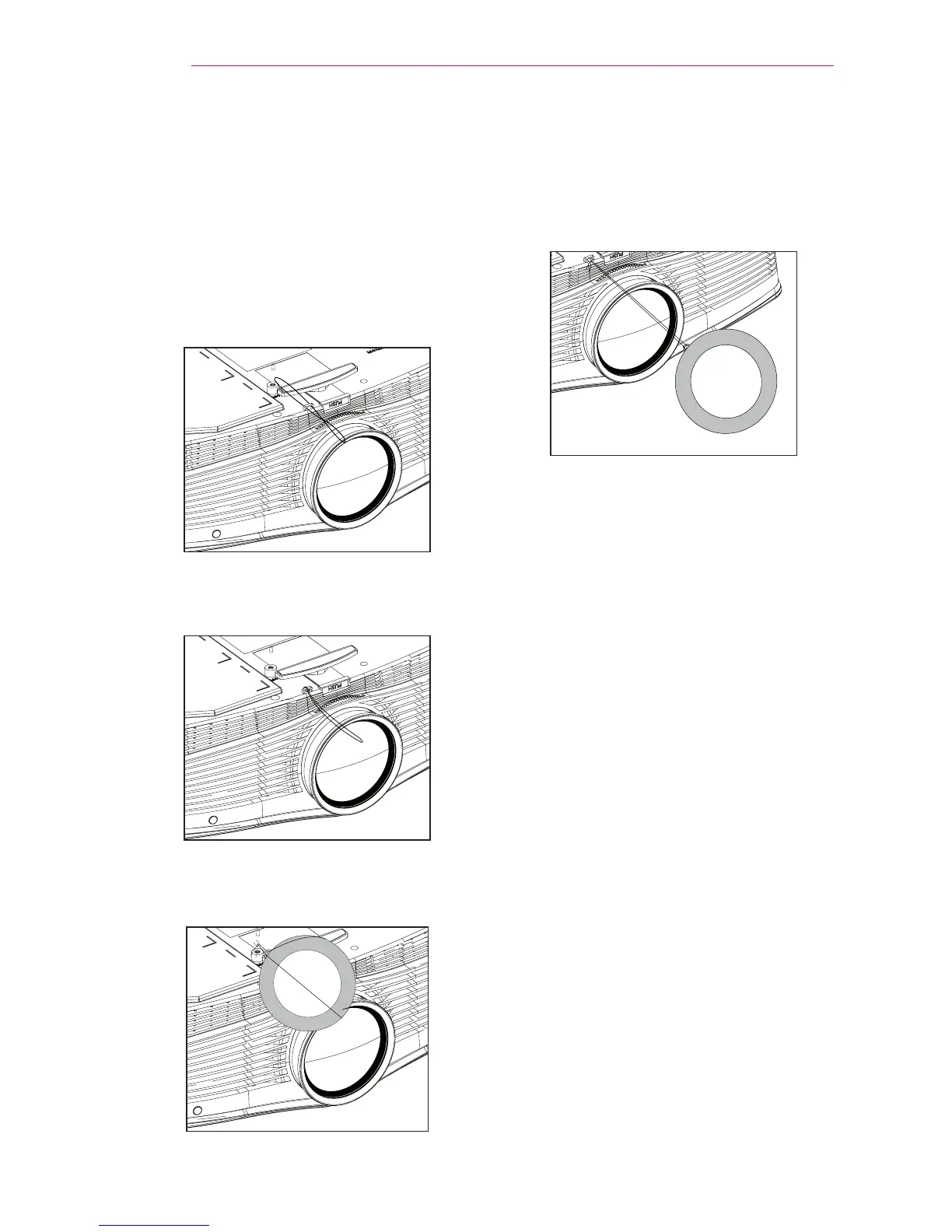
Mounting the Lens
Cap
1 Prepare the lens cap and strap sup-
plied as accessories. Put the knotless
end of the strap through the hole at
the bottom of the
projector lens.
2 Put the knotless end of the strap
inside and pull it to x it onto the
projector hole.
3 Insert the other end of the strap into
the hole of the lens cap, and then
pass the lens cap through the strap.
4 The lens cap is mounted as
illustrated.



 To Next Page