35
ENTERTAINMENT
Checking DivX registration code
Please check your DivX registration
code. For more information on the
registration process, visit www.divx.com/
vod. After registration, you can enjoy
VOD content protected by the DivX
®
DRM.
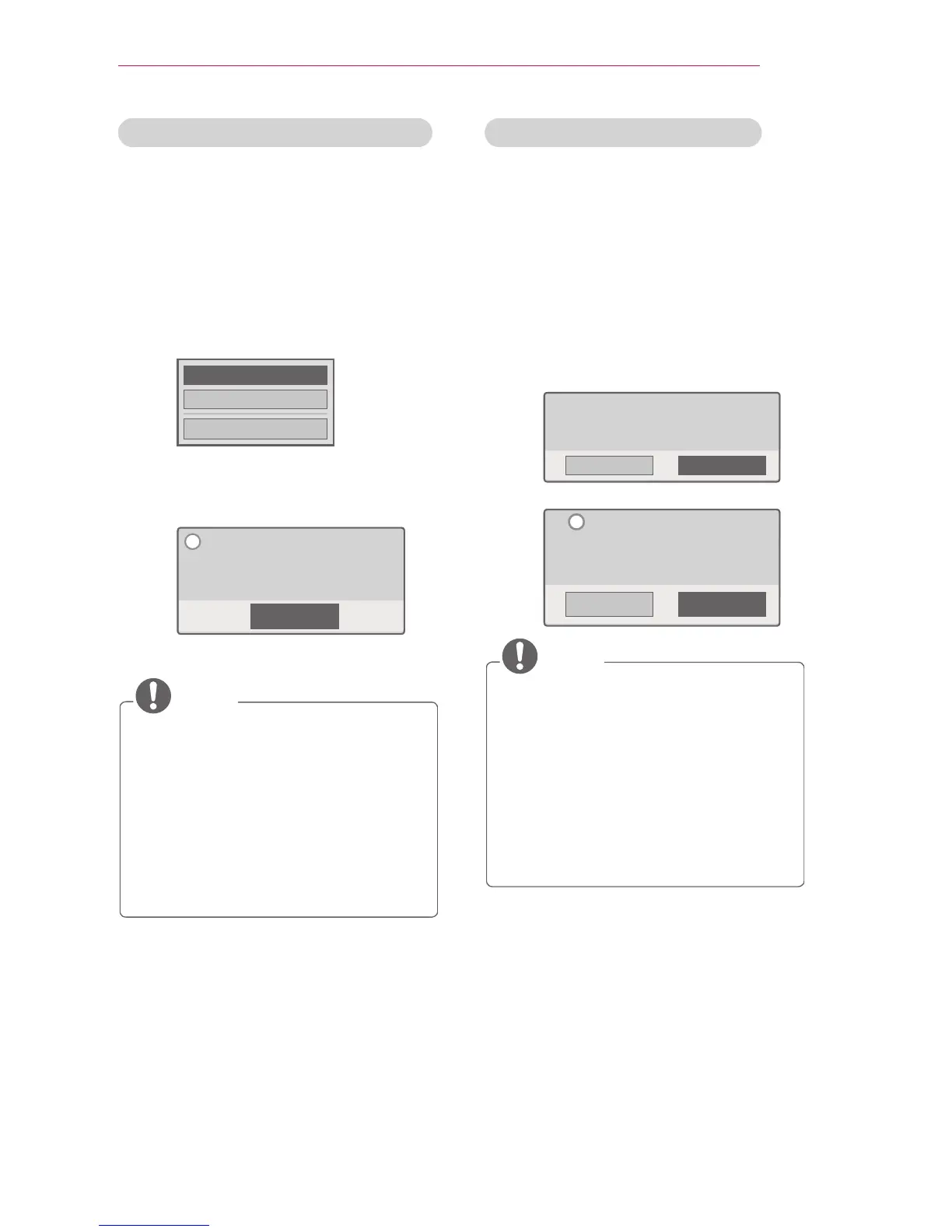
1 Move from the menu to OPTION,
then press DivX(R) VOD.
Registration
Deregistration
Close
2 Press the or button to move to
Registration, then press the OK
button.
Close
You must register your device to
play DivX(R) DRM-protected videos.
Registration Code: XXXXXXXXXX
Register at http://vod.divx.com.
i
3 Check the DivX registration code.
NOTE
y
You cannot use DivX registration
codes assigned to other devices.
Make sure to use the DivX
registration code assigned to your
device.
y
Video or audio les that are not con-
verted by the standard DivX codec
may be corrupted or not play.
Deregistering the DivX Code
Use the DivX deregistration code to
deactivate the DivX DRM function.
1 Move from the menu to OPTION,
then press DivX(R) VOD.
2 Use the or button to go to
Deregistration, then press the OK
button.
3 Select Yes.
Yes No
Your product is already registered.
Are you sure you want to deregister?
Yes No
Deregistration code: XXXXXXXX
Deregister at http://vod.divx.com.
Continue with registration?
i
NOTE
y
About Digital Rights Management
(DRM) DRM technologies and ser-
vices protect the interests and rights
of copyright holders by preventing
illegal use of
digital content. Files can be played
after the license is
veried through, for example, an
online method.



 To Next Page