Tools and Calendar 164
► Tap at the bottom of the Clock screen.
► Tap to end the show.
To play music:
You can play music while the Clock is displayed.
► Tap at the bottom of the Clock screen.
The Music application opens, where you can select music to play. You can return to the Clock
application or use another application while the music is playing.
To dim the Clock display:
If you want to use your device as a bedside clock, you can set the screen brightness very low.
► Tap on the top right of the screen to dim the clock.
► Tap the screen to restore normal brightness.
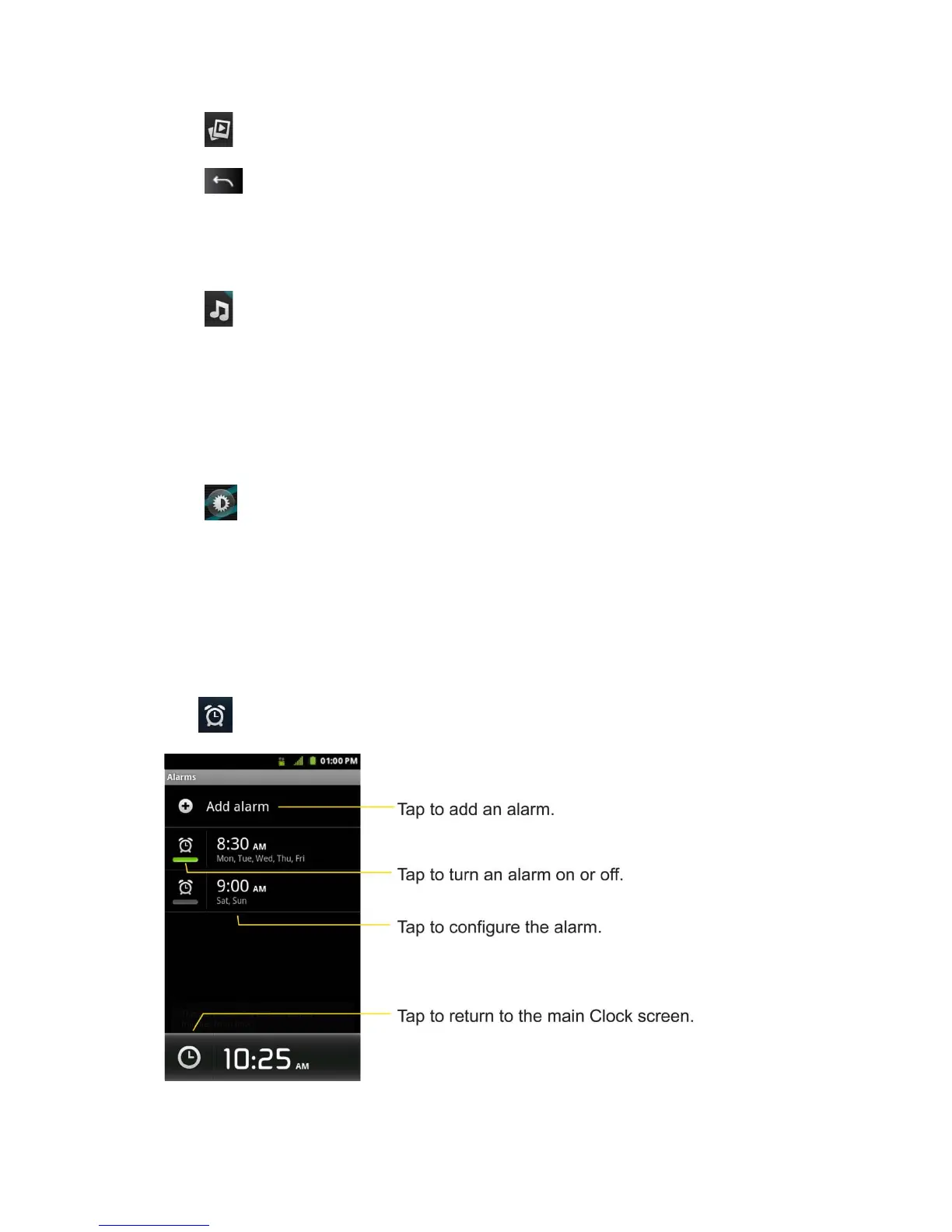
Alarms
The Clock application also allows you to set alarms.
To set an alarm:
1. Tap at the bottom of the Clock screen.



 To Next Page