Device Basics 30
To switch between multiple applications:
1. Touch and hold . A small window opens with icons of applications that you’ve used
recently.
2. Tap the application icon you want to open.
– or –
Tap to return to the current application.
Adding Application Icons to the Home Screen
Customize your Home screen with shortcuts to the applications you use most often.
1. Tap > .
2. Touch and hold the application icon you want to add to your Home screen.
3. Lift your finger to place the app on your Home screen, or drag the icon to where you want
it on the screen, then lift your finger.
Applications
The following is a listing of the default applications available on both the Home/Extended
screens and the Applications screen.
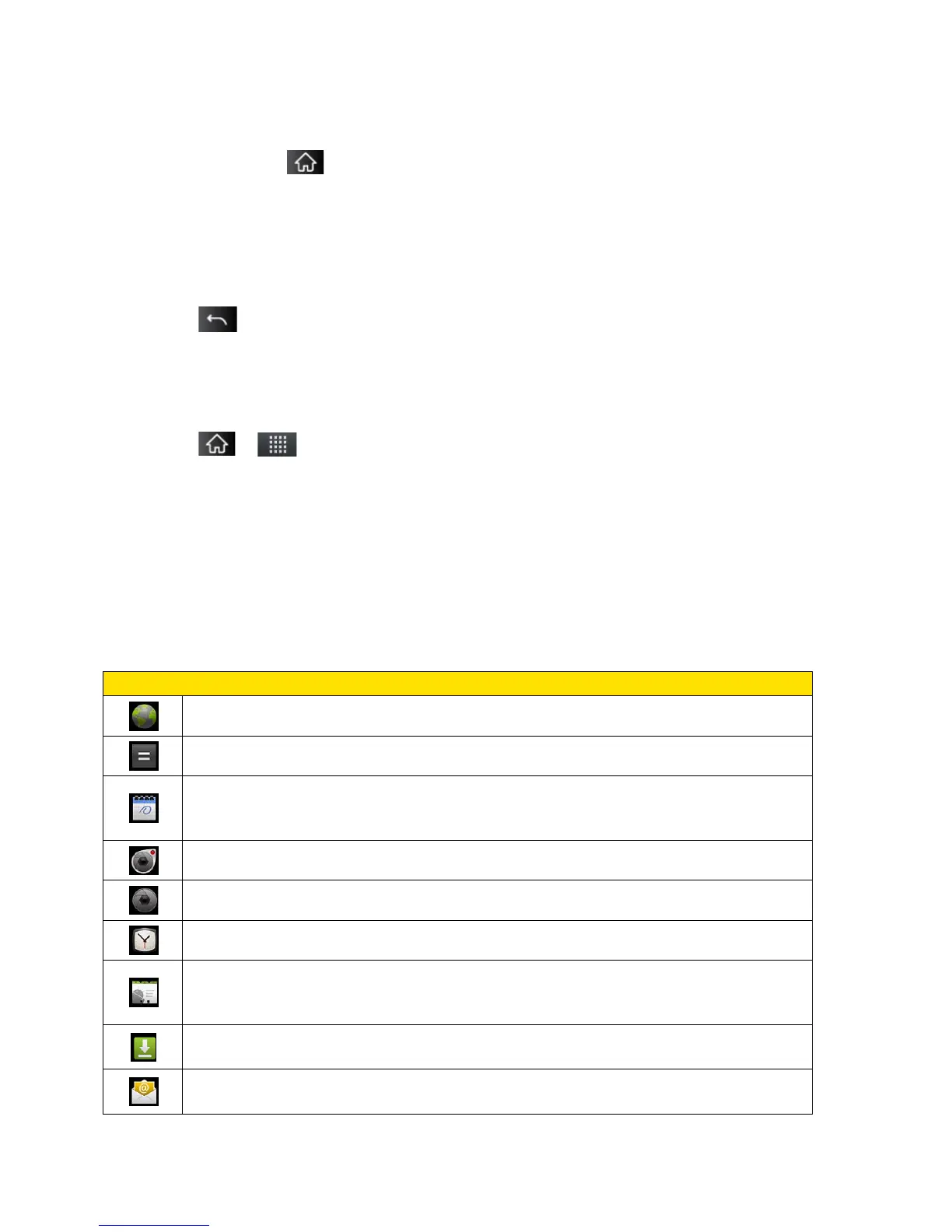
Browser – Launches the Sprint Powerdeck browser.
Calculator – Launches the Calculator application.
Calendar – Launches the Calendar application that can sync to either your
Google or Outlook®Work calendar. Events can only be synched to a managed
Camcorder – Launches the Camcorder.
Camera – Launches the Camera.
Clock - Access the Clock application.
Contacts – Displays the Contacts that can be synchronized with your device
from either your Google or Outlook account. Contacts can only be synched to a
Downloads – Launches the Downloads application that you can view, reopen,
or delete what you've downloaded.
Email – Provides access your POP3, IMAP, and Exchange Server (Outlook)
email accounts. Also provides access to your Gmail account.



 To Next Page