Device Basics 19
• Manage apps displays the Manage applications screen. You can manage how
applications use memory, stop a misbehaving application, or uninstall an
application.
• Notifications allows you to expand the Status Bar to provide more detailed
information about the current on-screen notification icons. (See Using the
Notifications Panel.)
Working with Menus
There are two Android menu types: Options menus and Context menus.
Options menus
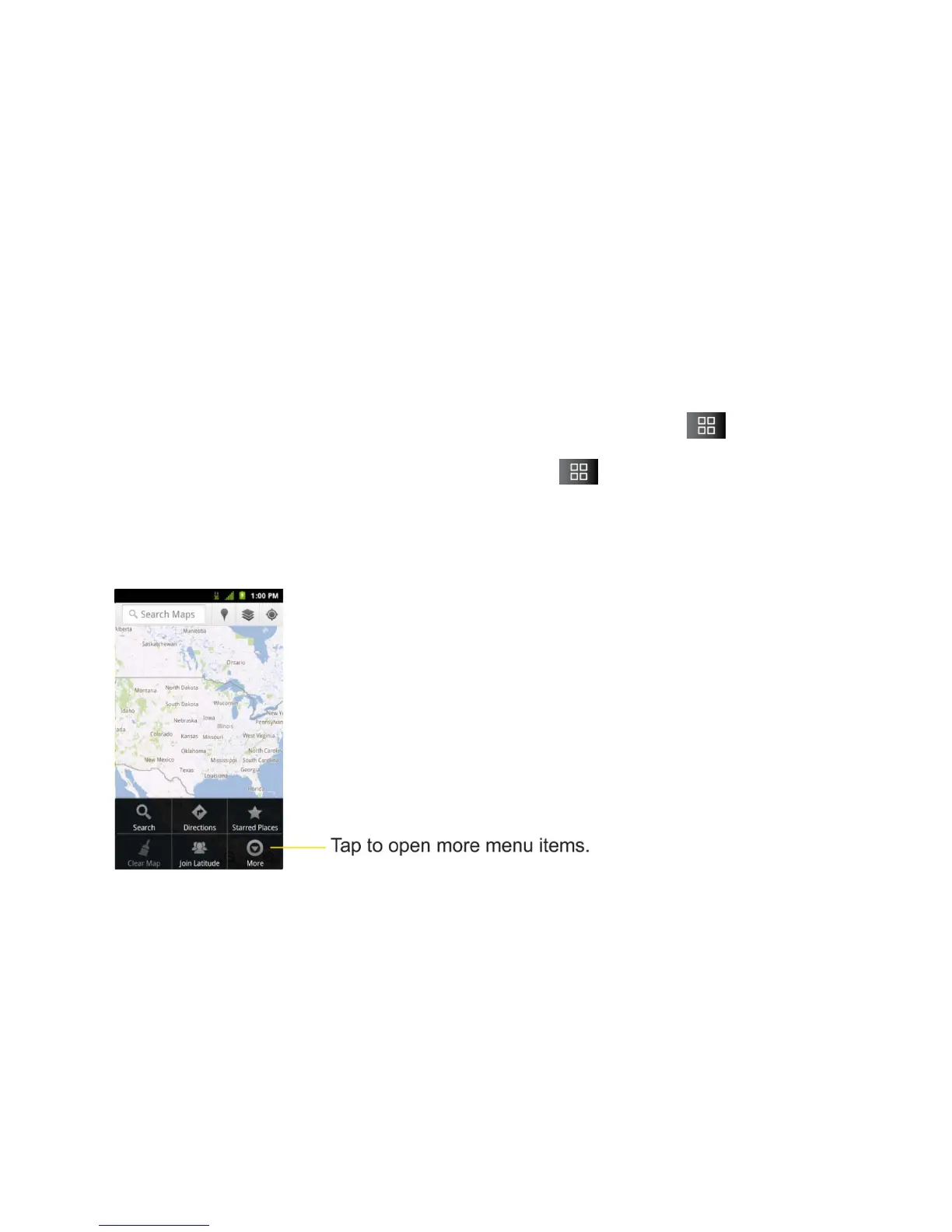
Options menus contain tools that apply to the activities of the current screen or application, not
to any specific item on the screen. To open the available options menu, tap .
● Not all applications have Options menus; if you tap on a screen that has no
Options menu, nothing will happen.
Some applications have more Options menu items than can fit in the options menu; tap More to
open the additional items.



 To Next Page