Device Basics 22
To close the Notifications Panel:
1. Touch and drag the tab at the bottom of the Notifications Panel to the top of the screen.
2. Tap . (The panel will also close when you touch a notification.)
Home Key
The Home Key takes you back to your main Home screen. (of the 5 total available
screens.)
Back Key
The Back Key returns you to the previously active screen. If the on-screen keyboard is
currently open, this key closes the keyboard.
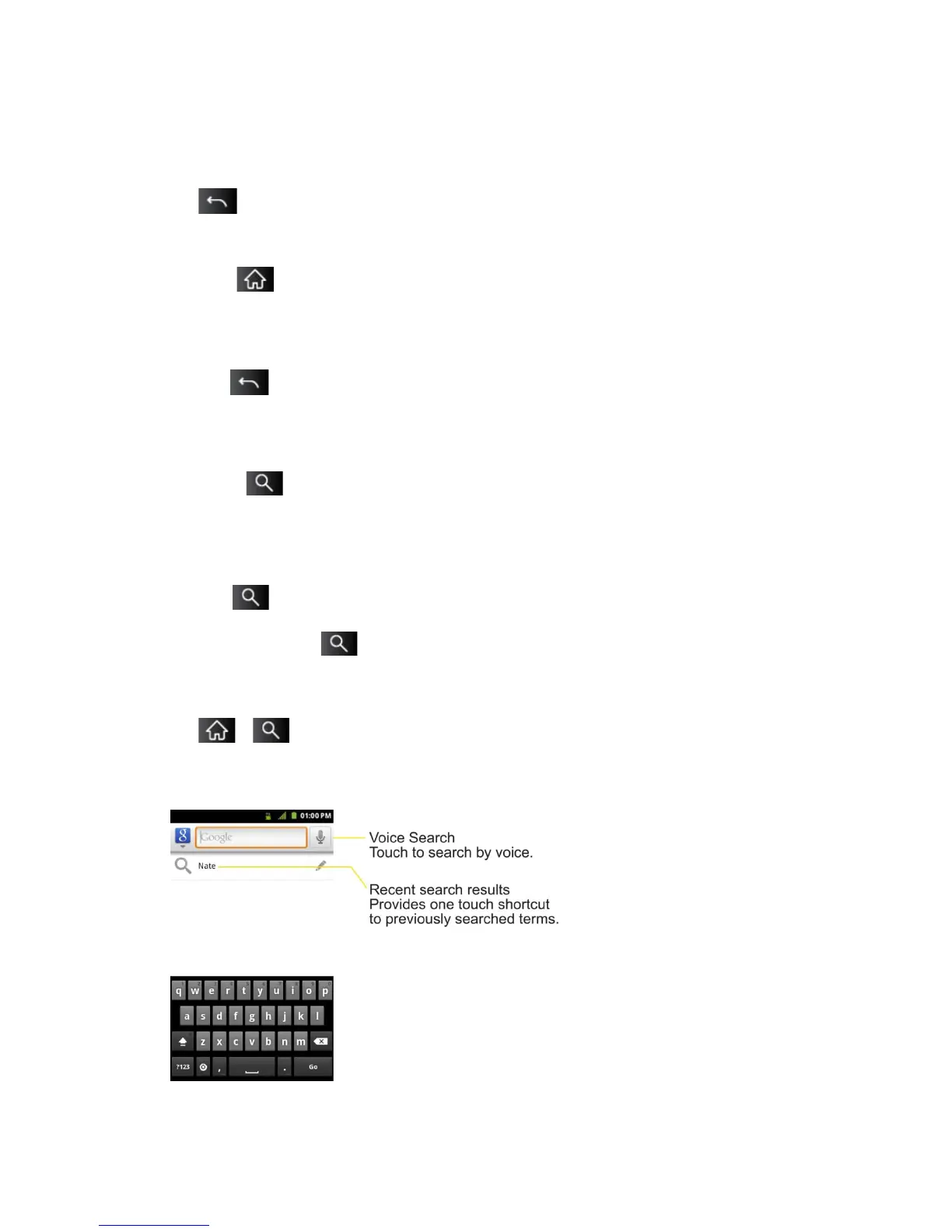
Search Key
The Search Key displays the Quick Search Box that you can use to search for a key term
both on the device and on the Web. Some applications, such as Contacts, Gmail™, and Google
Maps™, have the ability to search contents within those specific applications. In addition to
being able to search by typing in search terms, you can also search by voice.
Tap to launch the Quick Search Box.
Touch and hold to launch the Voice Search function.
Device and Web Search Using Text Entry
1. Tap > .
When you press on the Home screen or in the other applications that support this, the
Quick Search Box will open automatically.
.



 To Next Page