Phone 44
Phone
With the Sprint National Network and your device’s phone, you can enjoy clear calling across
the country.
Making Calls
Answering Calls
Saving a Phone Number
Finding a Phone Number
Making Calls
There are several convenient ways to place calls from your device.
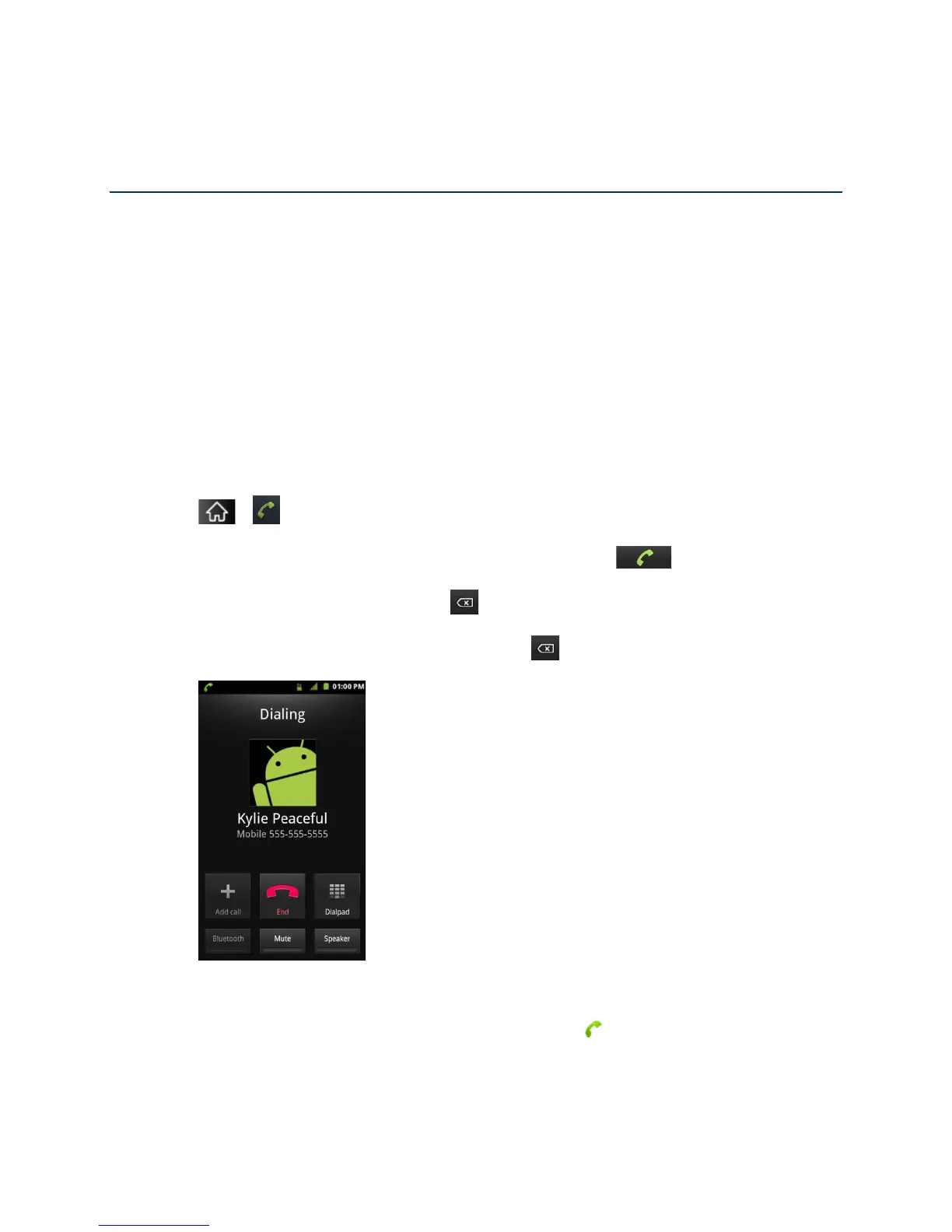
1. Tap > .
2. Enter a phone number using the on-screen dialpad and tap .
If you enter a wrong number, tap to erase digits one by one.
To erase the entire number, touch and hold .
Options during a call:
You can open other applications during a call. The will appear in the Status Bar
while the call is underway.
Press the Up/Down Volume Keys to adjust the call volume.



 To Next Page