Device Basics 27
Extended Home Screens
The operating system provides multiple Home screens to provide more space for adding icons,
widgets, and more.
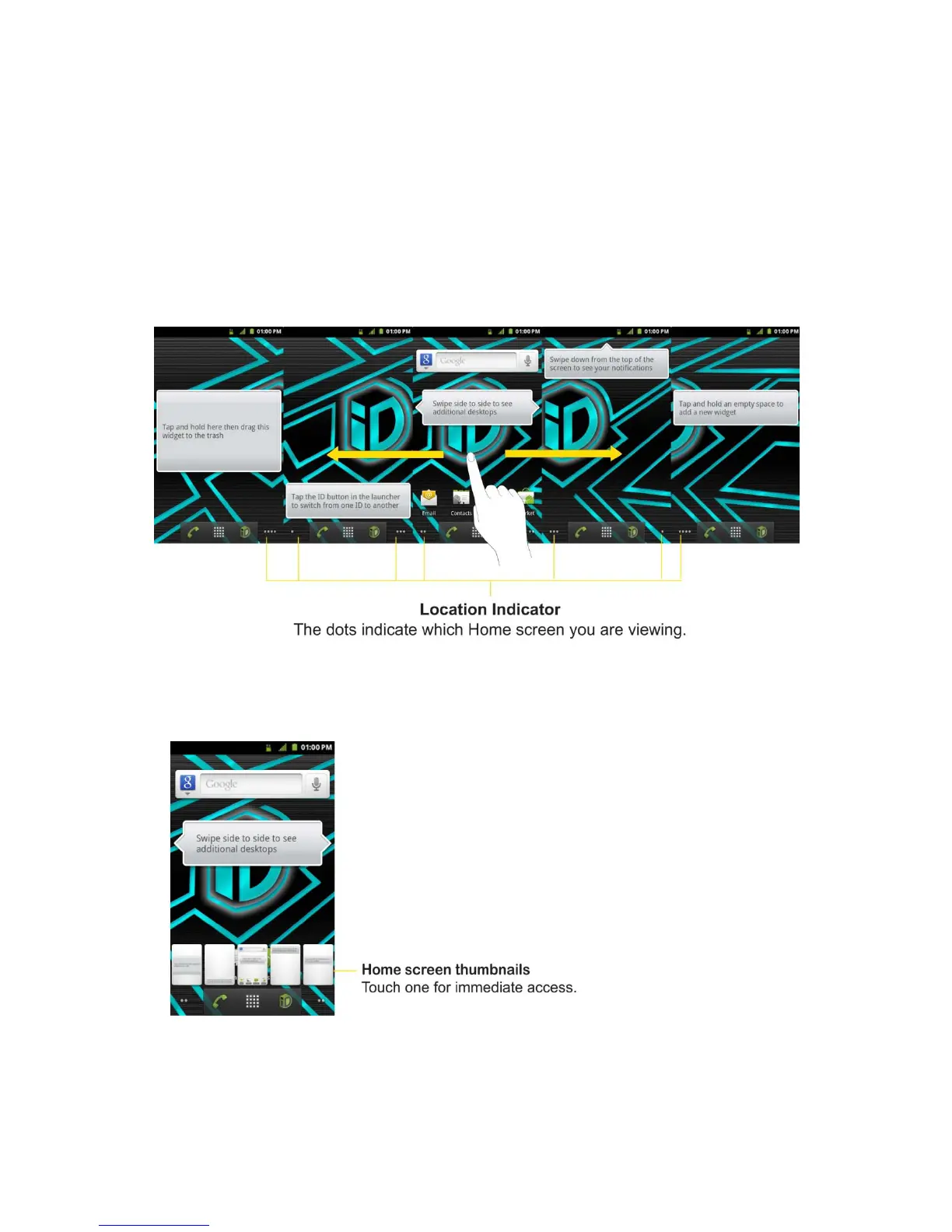
► Slide your finger left or right across the Home screen. The main screen is in the center
with two extension screens on either side of it. (For more information on sliding, see
Touchscreen Navigation.)
Extended Home Screens
► Touch and hold the Home screen dots on the lower left or right of the screen to view
thumbnails of the Extended Home screens, then touch one to go to that specific screen
(see the following image).



 To Next Page