Device Basics 31
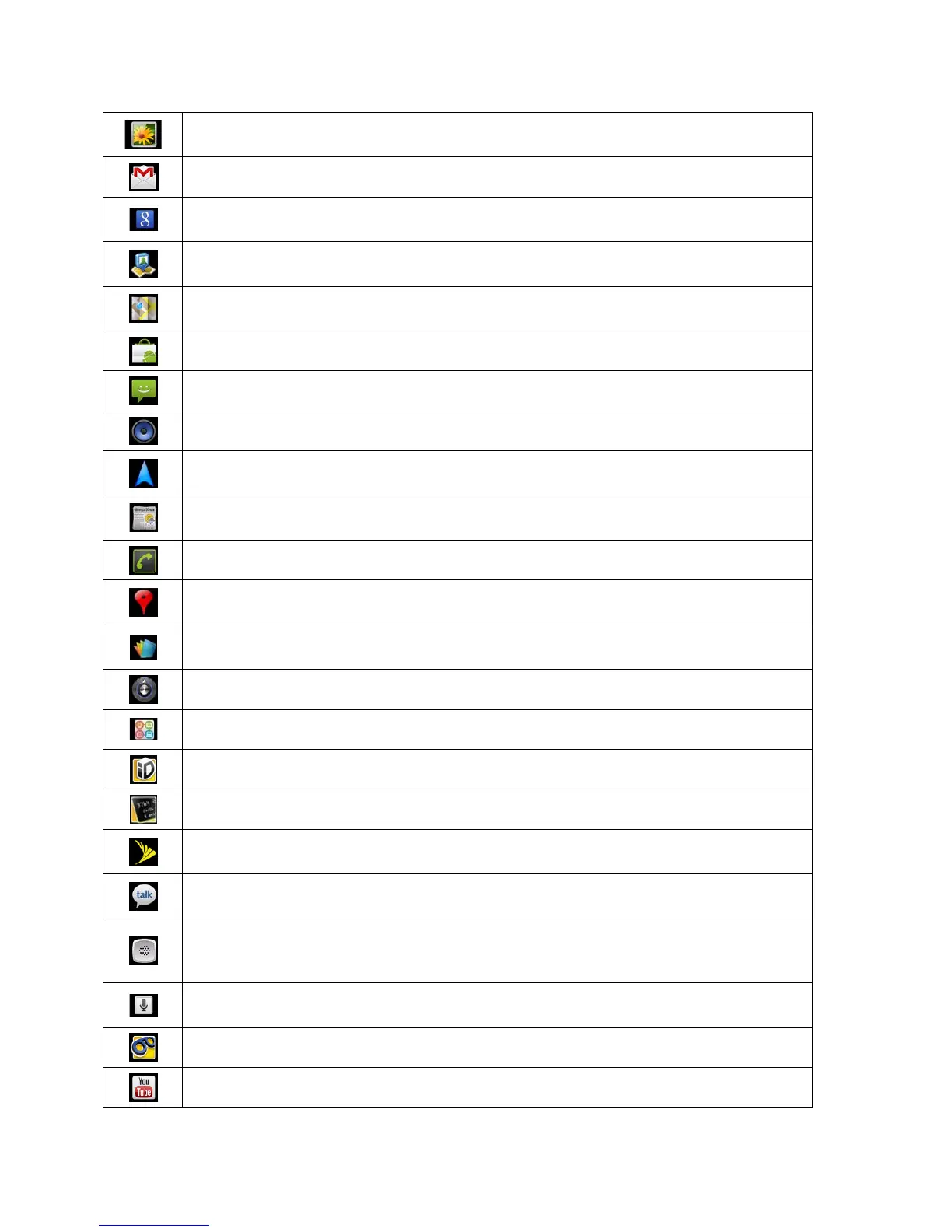
Gallery – Displays a Gallery of camera images and video saved on your
microSD™ card .
Gmail – Provides access to your Gmail account .
Google Search – Displays the Quick Search Box to search for a key term both
on your device and the Web.
Latitude – Lets you see your friends' locations and share yours with them. The
application also lets you see your friends' locations on a map or in a list.
Maps – Launches a dynamic map that helps you find local businesses, locate
friends, view maps and get driving directions.
Market – Browse, search for, and download applications on the Android Market.
Messaging – Provides access to your text and multimedia messages.
Music – Launches the Music Player.
Navigation – Launches the GPS Navigation feature on your phone, allowing you
to get quick turn-by-turn directions.
News & Weather – Launches the application that allows you to stay up to date
on news and weather.
Phone – Accesses the phone keypad.
Places – Allows others to find your business on local search results using either
Google Search or Google Maps.
Polaris Office – Launches the Polaris Office application so that you can view,
create, and edit document files on your device.
Settings – Accesses the device’s Settings menu.
SmartShare - Accesses the SmartShare application.
Sprint ID - Accesses the Sprint ID application.
Sprint Mobile Wallet - Accesses the Sprint Mobile Wallet application.
Sprint Zone – Accesses links to Sprint Zone services like Account Information,
What’s New, Suggested Apps, and other promotional content.
Talk – Launches the Google Talk application that lets you chat with family and
friends over the Internet for free.
Voice Dialer – Launches your device’s automatic speech recognition (ASR)
software, called Voice Control, to dial a phone number in our Contacts or to
Voice Search – Launches your device’s speech recognition software and
initiates a Google search based on the recognized speech.
Voicemail – Launches Voicemail.
YouTube – Launches the YouTube application.



 To Next Page