Device Settings 70
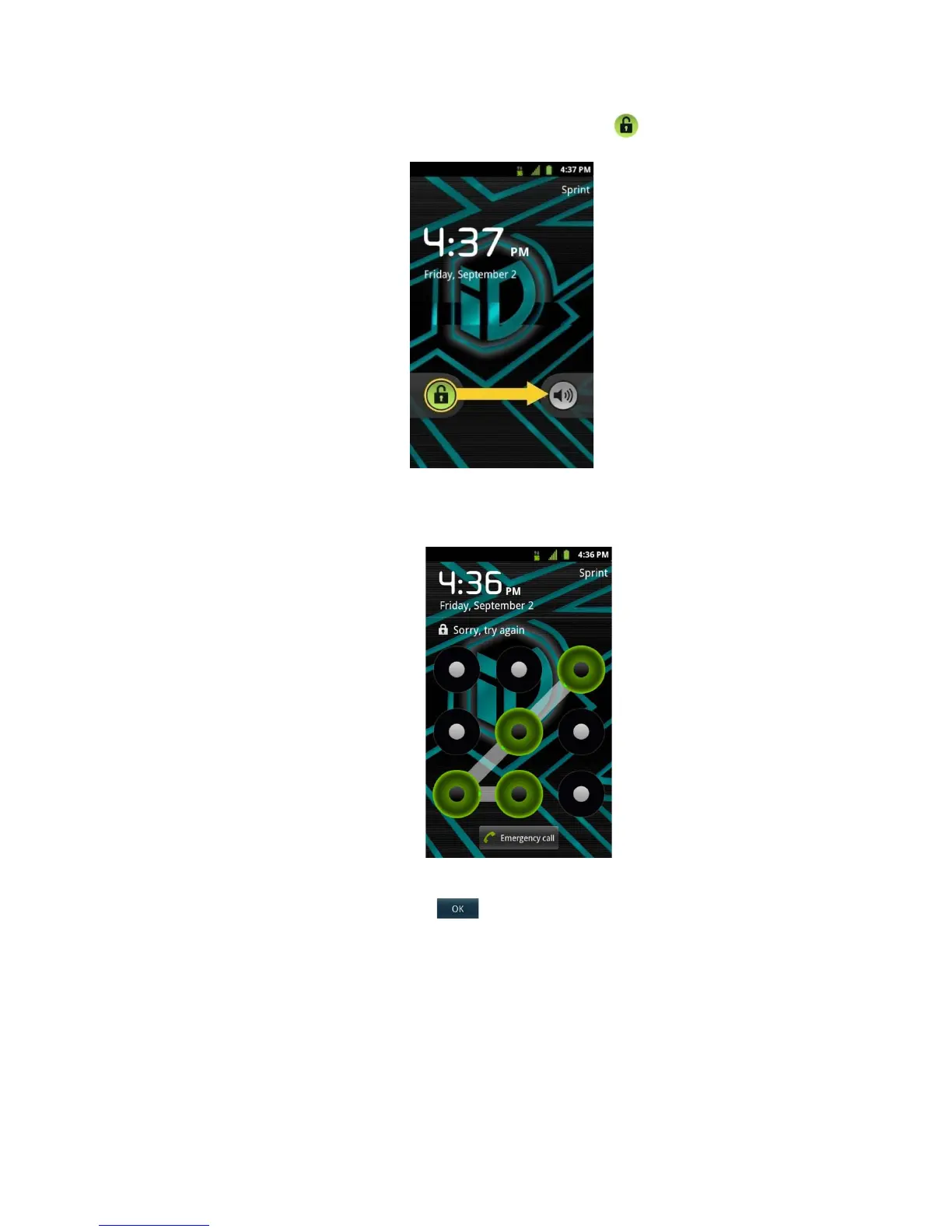
2. On your lock screen, touch and drag the green Unlock icon
to the right.
If you have set up an Unlock Pattern (see Your Device's Lock Feature), use your
fingertip to draw the pattern.
If you have set up Unlock PIN or Unlock Password, enter the Unlock PIN or Unlock
Password. After entering it, tap . The last screen you were working on opens.
Note: You have five opportunities to enter your unlock Pattern, PIN or Password. If you've
entered the wrong information five times, you must wait 30 seconds before you can
attempt again.
If you’ve set up a Google account on the device, tap the Forgot pattern? button.
You will be able to unlock the device with your Google account username and
password.


 To Next Page
 Loading...










