31
ENGLISH
Watching Projector
Turning on the Projector
The menu screen display in this owner's manual is an example to help users
understand how to operate the product and may look different from the actual
screen.
1 Connect the power cord correctly.
2 Place the OFF/ON switch on the rear port area to ON and press the
(Power)
button on the projector or on the remote control. (If the switch is
placed to OFF, the projector will not turn on.)
3 In the Language Selection screen, select a language.
4 In the Mode Setting screen, select the setting mode you want.
* Store Demo is used when displaying the product in-store. The picture mode is
automatically reset after a certain period of time. You can select Standard to
use the product at home.
5 Select an input signal by using the button on the remote control.
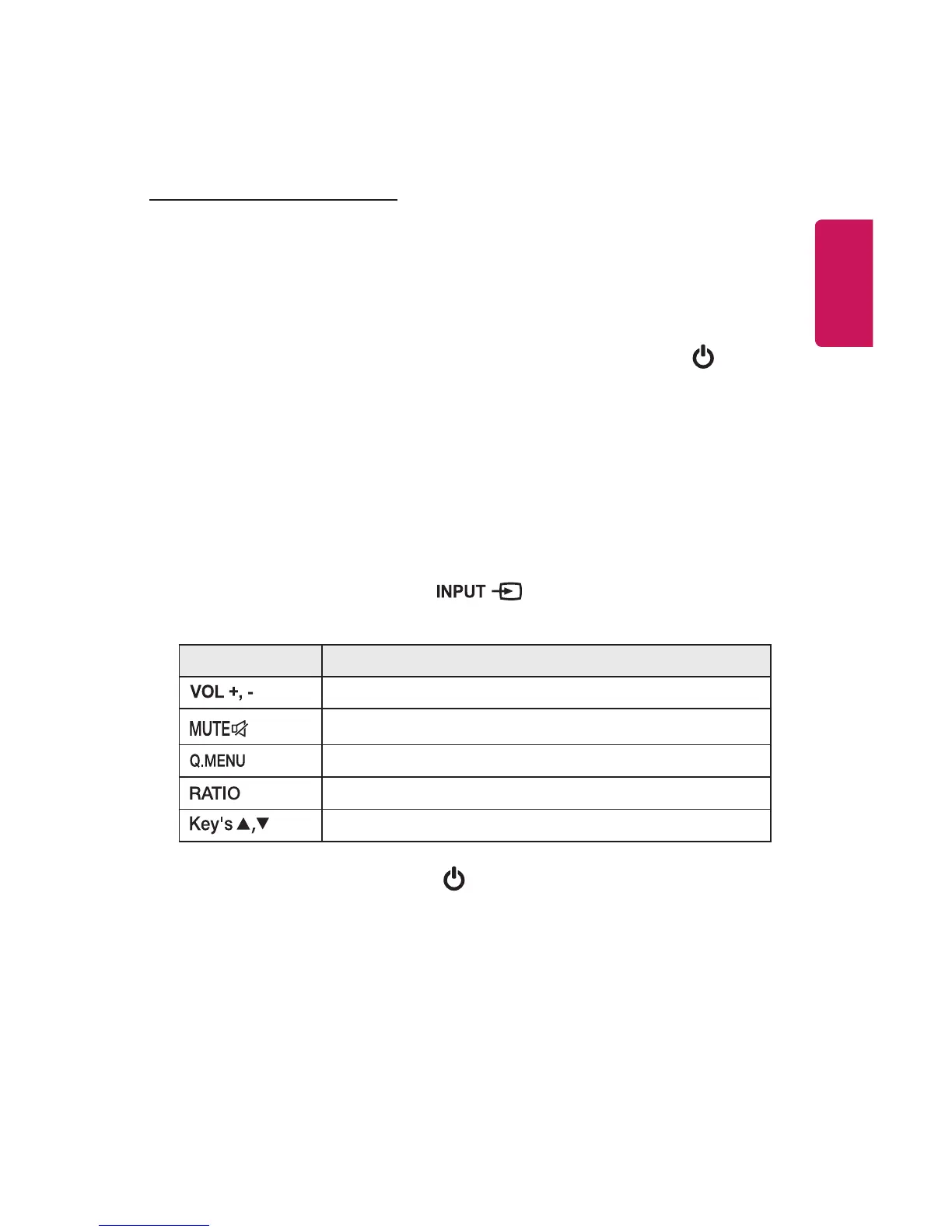
6 Control the projector using the following buttons while watching projector.
Button Description
Adjusts the volume level.
Mutes all sounds.
Accesses the quick menu.
Resizes an image.
Adjusts Keystone.
7 To turn the projector off, press the
(Power)
button.



 To Next Page