43
ENGLISH
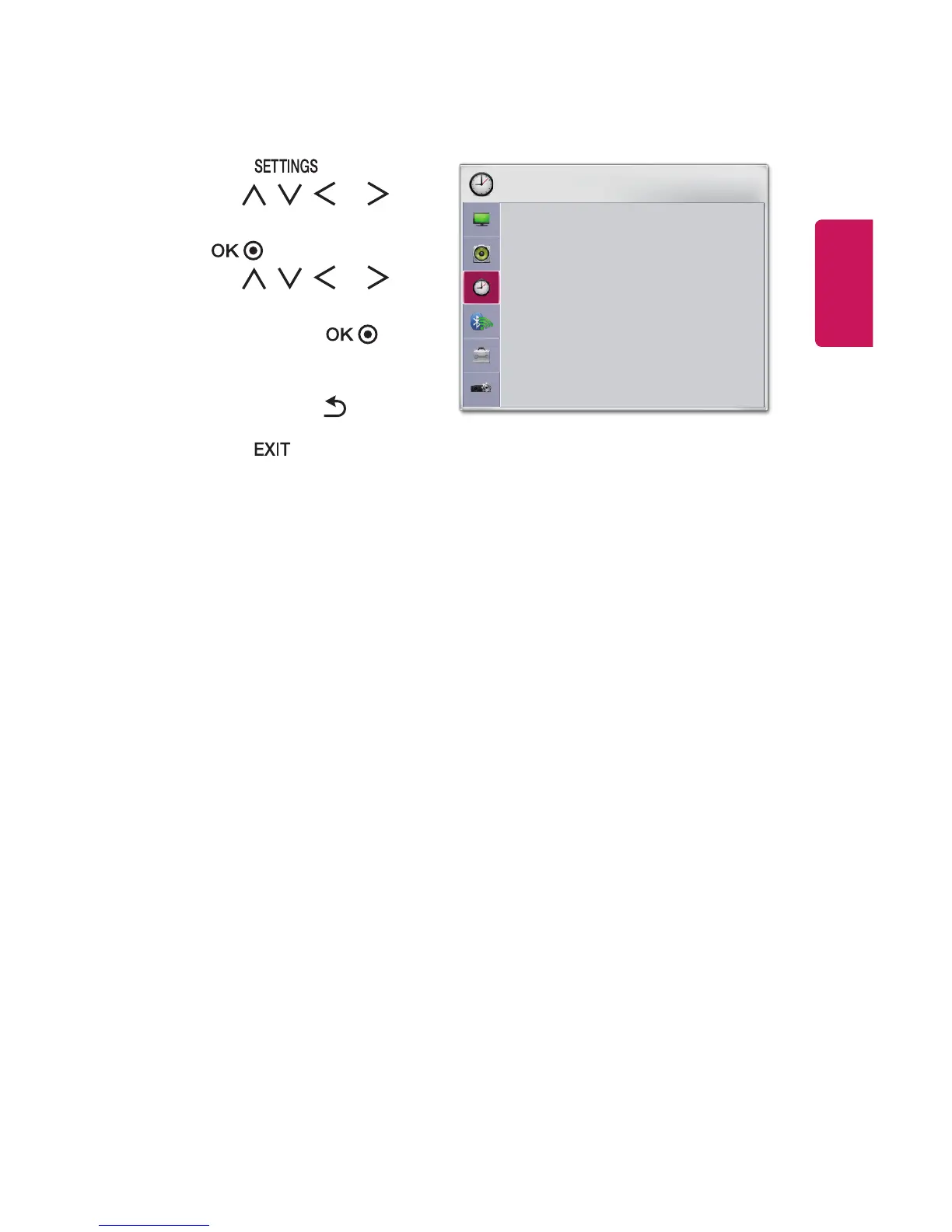
TIME Settings
1 Press the button.
2 Use the , , , or
button to select TIME and press
the button.
3 Use the , , , or
button to set up the desired
item and press the
button.
- To return to the previous
menu, press the button.
4 Press the button when
completed.
TIME
• Sleep Timer : Off
• Auto Off : 60 min.
• Automatic Standby : 4 hours
ꔂ Move ꔉ OK
The available time settings are described as follows.
• Sleep Timer
Turns off the projector after a preset number of minutes.
To cancel the Sleep Timer, select Off.
• Auto Off
If there is no input signal or button press, the projector automatically turns off
after the preset time has elapsed.
• Automatic Standby
Turns off the projector automatically after a set period of time if there is no
button input on the projector.



 To Next Page