14
ENGLISH
MY MEDIA
Before Using
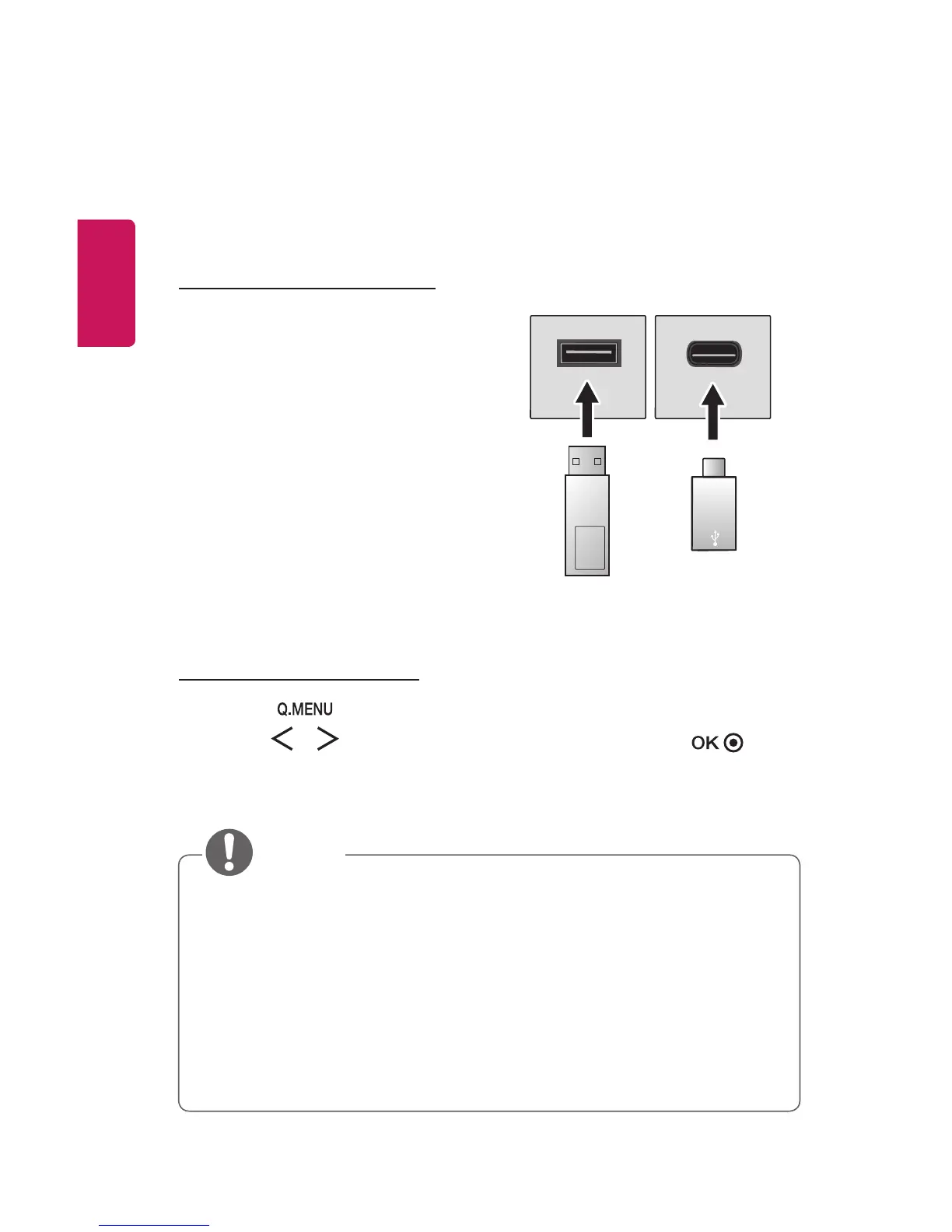
Connecting a USB Device
Connect a USB device (external HDD, USB
memory) to the USB port of projector to
enjoy the content les stored in the USB
device with your projector. You cannot
write or delete data in the USB device.
Connect a USB ash drive as shown below.
USB/USB-C
Flash Drive
Removing a USB Device
1 Click the button.
2 Use the or button to move to USB Device and press the
button.
3 Select a USB to remove. Wait for conrmation that the USB device has
stopped before removing the USB.
• If detached early, an error may occur on the projector or the USB storage
device.
• Once a USB device has been selected for removal, it can no longer be read.
Remove the USB storage device and then re-connect it.
• Please check whether USB 2.0 is supported before using USB-C storage
devices.
• Certain functions may not work properly depending on the USB-C to USB-A
cable or gender used.



 To Next Page