44
ENGLISH
WIRELESS Settings
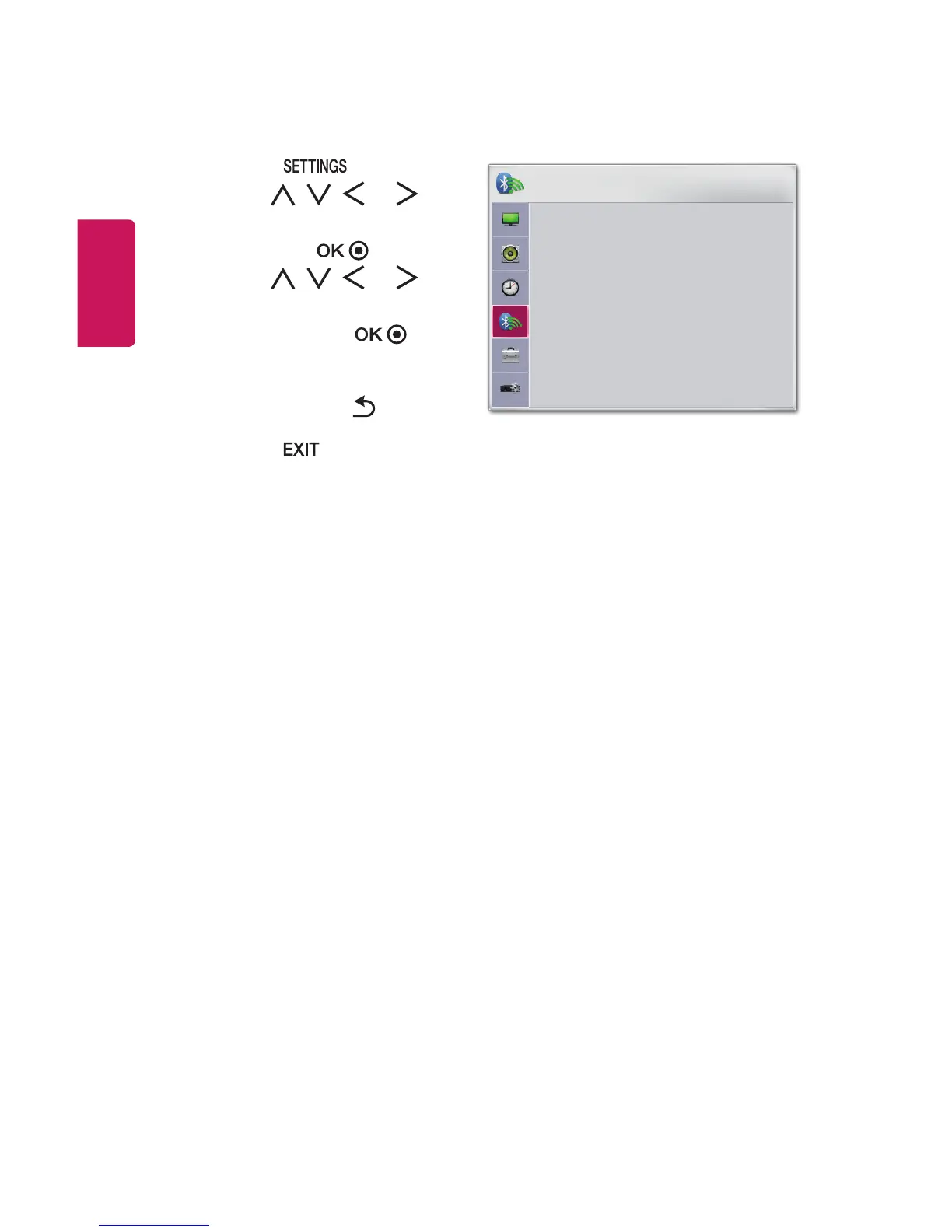
1 Press the button.
2 Use the , , , or
button to select WIRELESS
and press the button.
3 Use the , , , or
button to set up the desired
item and press the
button.
- To return to the previous
menu, press the button.
4 Press the button when
completed.
WIRELESS
• SCREEN SHARE : [PJTR][LG]PH30JG[0000]
• Group
• Channel
• Bluetooth : Off
• Search Device
• List of registered devices
• AV Sync. Adjust
ꔂ Move ꔉ OK
The available wireless settings are described as follows.
• SCREEN SHARE
The SCREEN SHARE displays the screen of the connected device. You can check
the SCREEN SHARE's ID.
- Group This is the group setting for each device supporting the SCREEN
SHARE feature. When the wireless connection is weak or unstable, adjust
the group setting to correct the problem.
- Channel You can change the channel used for wireless connections.
• Search Channels: Select channel searching methods.
Auto: The projector searches for available channels and automatically
selects the least used channel.
Manual: You can select a channel manually.
• Channel: This is shown when Search Channels is set to Manual. It allows
you to specify a channel number to use.



 To Next Page