46
ENGLISH
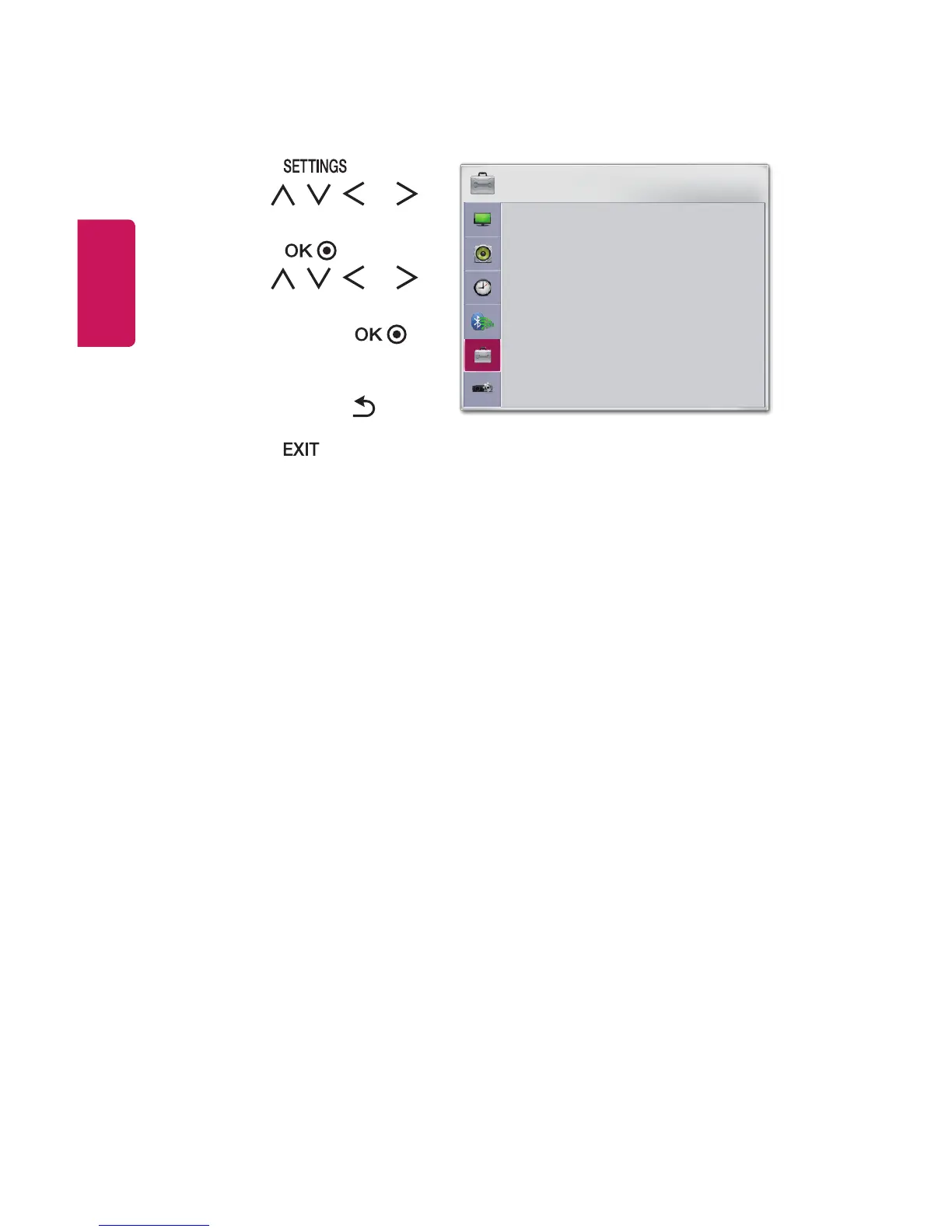
OPTION 1 Settings
1 Press the button.
2 Use the , , , or
button to select OPTION 1 and
press the button.
3 Use the , , , or
button to set up the desired
item and press the
button.
- To return to the previous
menu, press the button.
4 Press the button when
completed.
OPTION 1
• Language
• DivX(R) VOD
• Initial Setting
• Mode Setting : Standard
ꔂ Move ꔉ OK
The available option 1 settings are described as follows.
• Language
Selects a desired Menu Language.
• DivX(R) VOD
Sets DivX related settings.
• Initial Setting
Resets all the projector settings to the factory default. Do not turn off the
power during initialization.
• Mode Setting
Selects Standard or Store Demo. When in use in home, please select Standard.
Store Demo mode is for store display.



 To Next Page