EasyManua.ls Logo

LG PH30JG - Picture Settings

LG PH30JG
92 pages
Print Icon
To Next Page IconTo Next Page
To Previous Page IconTo Previous Page
Loading...
36
ENGLISH
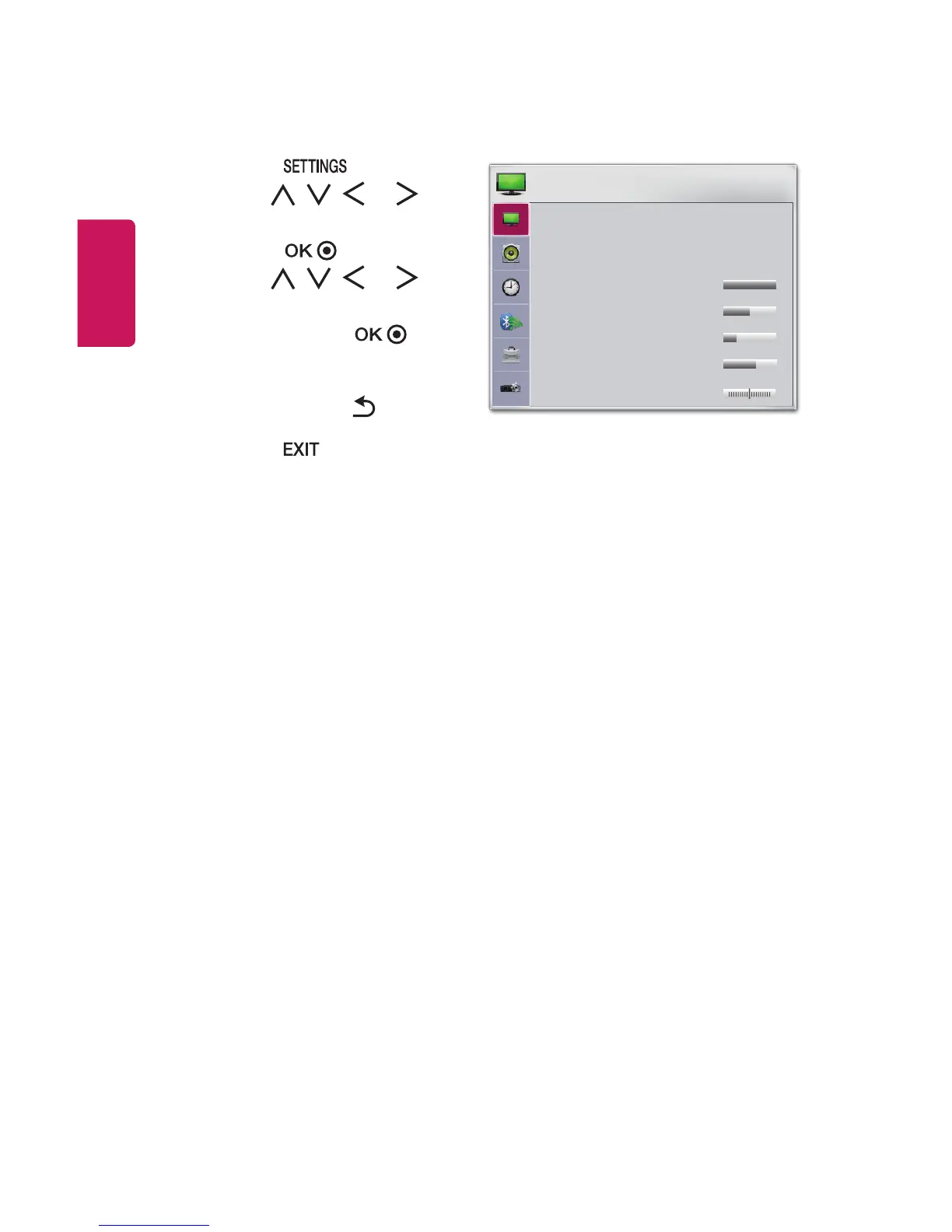
PICTURE Settings
1 Press the button.
2 Use the , , , or
buttons to select PICTURE and
press the button.
3 Use the , , , or
button to set up the desired
item and press the
button.
- To return to the previous
menu, press the button.
4 Press the button when
completed.
ꕊ Energy Saving : Minimum
Picture Mode : Standard
Contrast 100
Brightness 50
Sharpness 20
Color 55
Tint 0
R
G
PICTURE
ꔂ Move ꔉ OK
The available picture settings are described as follows.
• Energy Saving
Reduces power consumption by adjusting peak screen brightness.
- Minimum/Medium/Maximum
Applies the pre-set Energy Saving mode.

Table of Contents

Other manuals for LG PH30JG

Related product manuals