13
ENGLISH
Disconnecting
Select Disconnect to disconnect the device.
• You can only disconnect a device from the List of registered devices.
Deleting
Select Delete Marked or Delete All to delete any registered devices.
• Delete Marked: Press the red button in List of registered devices to delete
the selected device.
• Delete All: Select Delete All in List of registered devices to delete all of the
registered devices.
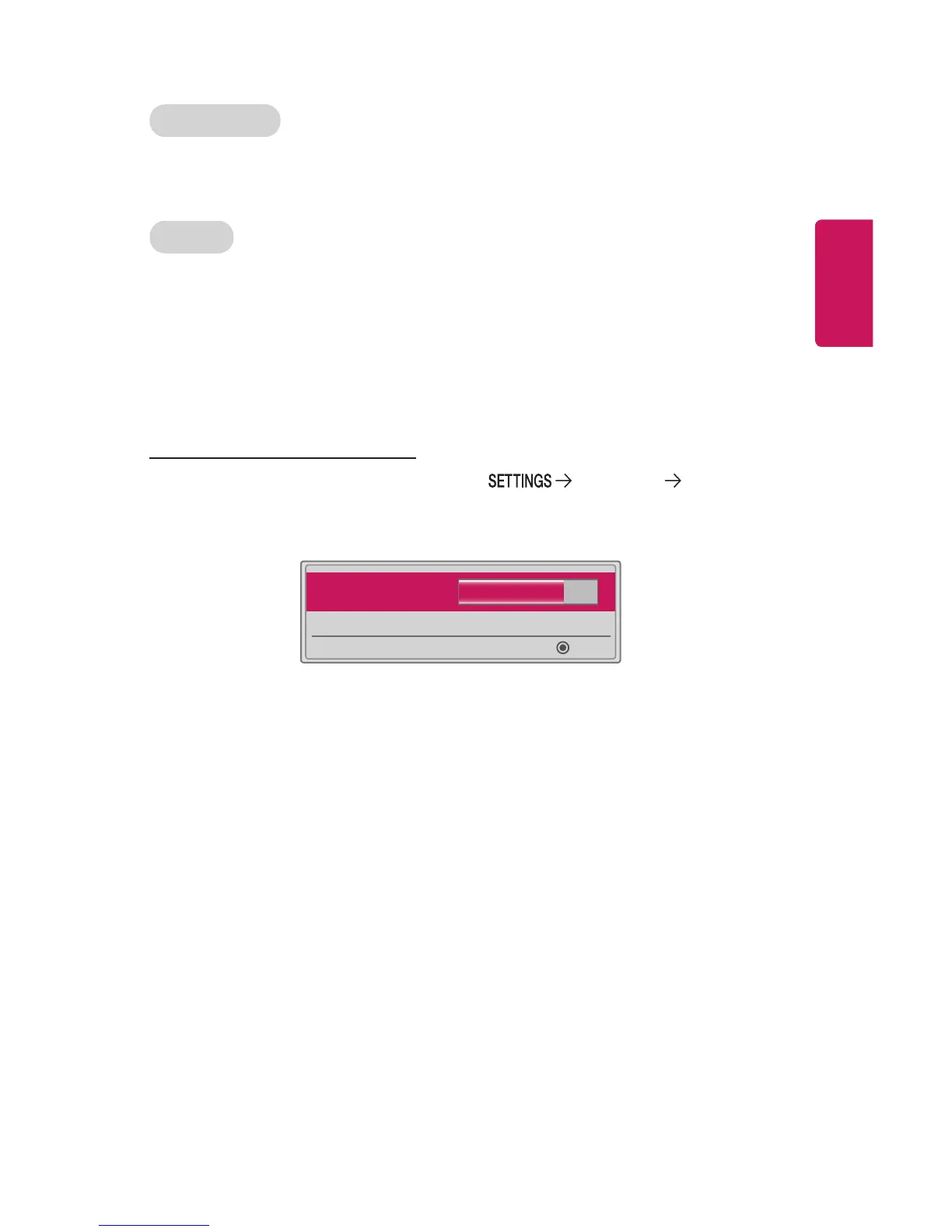
Adjusting AV Sync. Adjust
When a Bluetooth device is connected, go to WIRELESS AV
Sync. Adjust to adjust the synchronization between the video and the Bluetooth
headset sound.
• AV Sync. Adjust 10
◀ ▶
OK
• This feature is only available when a Bluetooth device is connected.
• Audio sync may vary by manufacturer.
• When playing video from a connected USB drive, AV Sync. Adjust can also be
adjusted using the Set Audio. menu.



 To Next Page