35
ENGLISH
Connecting a Laptop
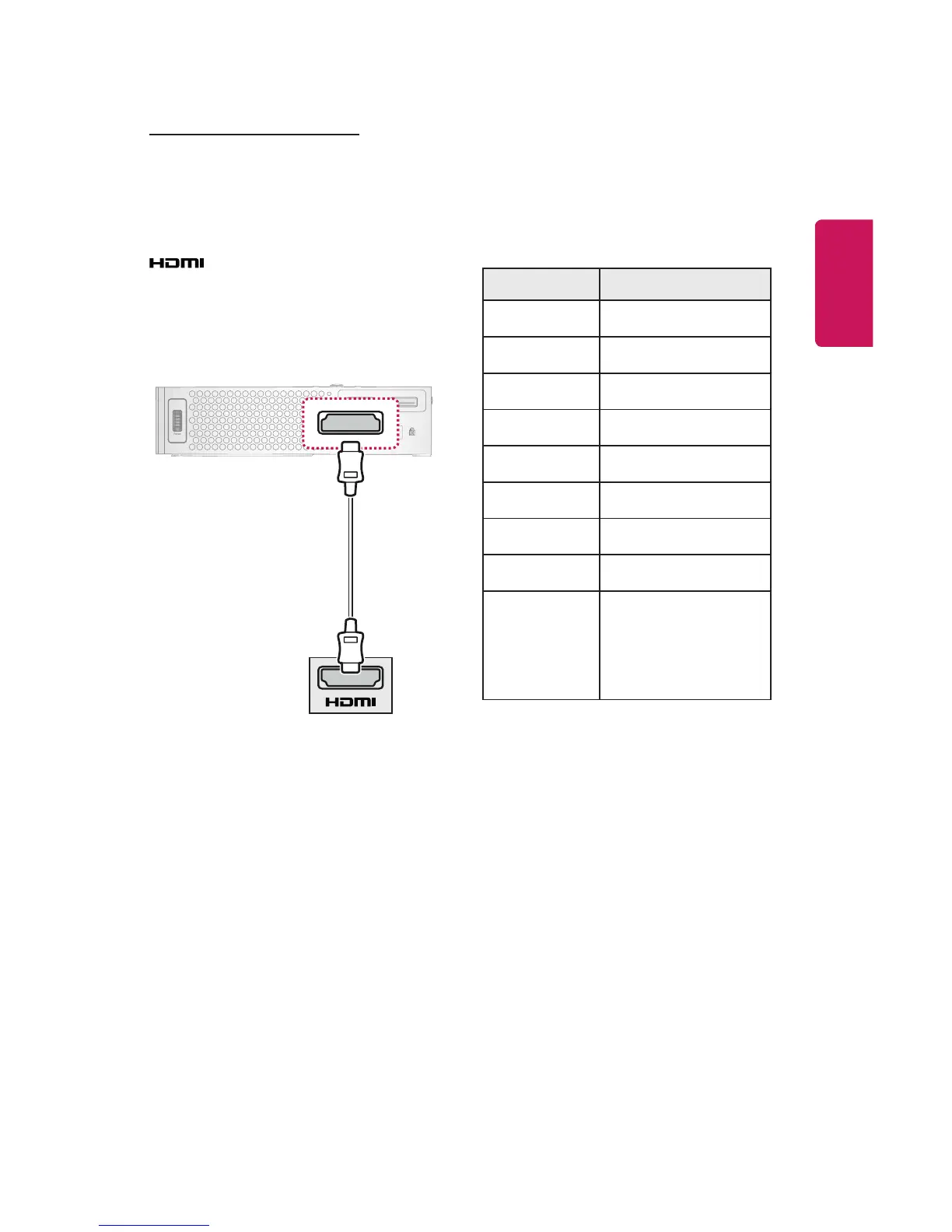
You can connect the projector to a
laptop to use various functions.
Using an HDMI cable, connect the
port of the projector to the
HDMI output port of your laptop. Both
video and audio are output at the
same time.
* Optional Extras
The table below shows examples
of switching the output. For more
information, refer to the External
Output, Connecting to an External
Monitor, or similar sections of the
owner's manual of your computer.
Brand Switching Output
NEC [Fn]+[F3]
Panasonic [Fn]+[F3]
Toshiba [Fn]+[F5]
IBM [Fn]+[F7]
Sony [Fn]+[F7]
Fujitsu
[Fn]+[F10]
LG [Fn]+[F7]
Samsung [Fn]+[F4]
Macintosh
Adjust the control
panel to enable
mirroring after
start-up.



 To Next Page