47
ENGLISH
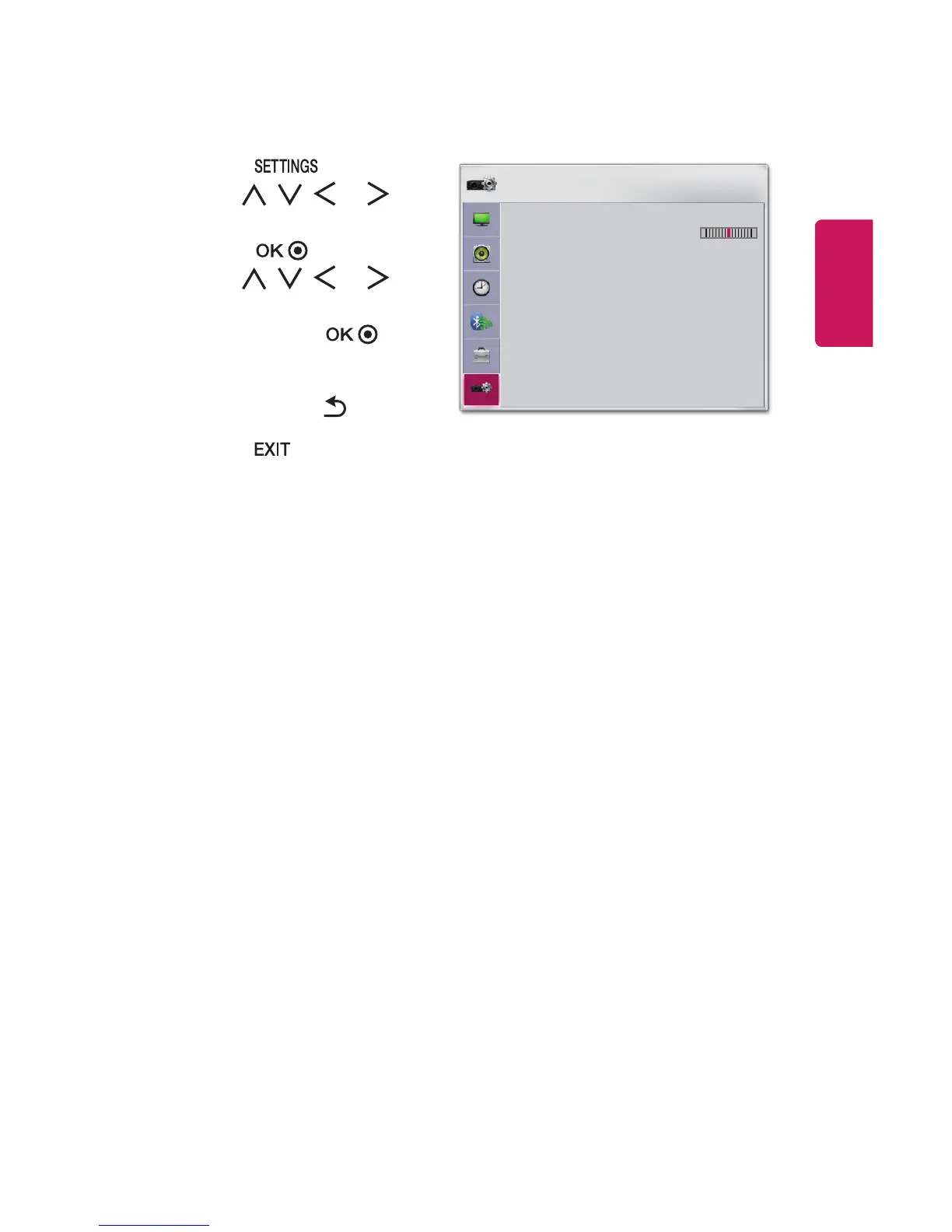
OPTION 2 Settings
1 Press the button.
2 Use the , , , or
button to select OPTION 2 and
press the button.
3 Use the , , , or
button to set up the desired
item and press the
button.
- To return to the previous
menu, press the button.
4 Press the button when
completed.
OPTION 2
• Keystone 0
- +
• Auto Keystone
: On
• PJT Mode : Front
• High Altitude : Off
• Blank Image : Blue
• Auto Power : Off
• Self Diagnosis
ꔂ Move ꔉ OK
The settings for OPTION 2 are described as follows.
• Keystone
To prevent the screen image from becoming trapezoidal, Keystone adjusts the
top and bottom width of the image if the projector is not set at a right angle to
the screen.
• Auto Keystone
Auto Keystone provides a rectangular screen image by automatically adjusting
the Keystone number when there is a trapezoidal screen image caused by tilting
of the projector.
- On: Automatically adjusts the Keystone number.
- Off: Manually adjusts the Keystone number.



 To Next Page