11
ENGLISH
Searching for Bluetooth Devices and Connecting
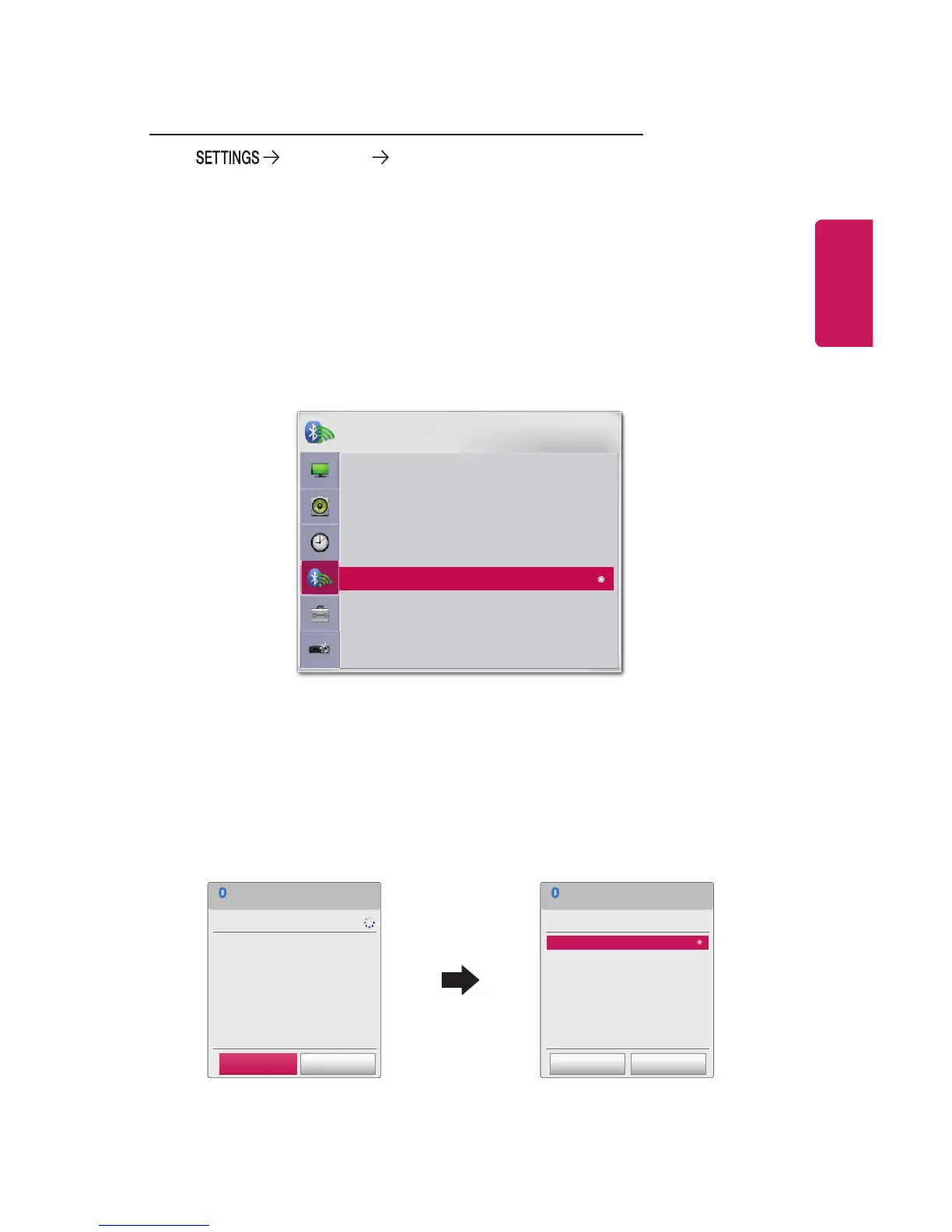
Go to WIRELESS Search Device to search for nearby Bluetooth
audio devices and then connect any detected devices to the projector. (If the
device name is longer than 20 characters, only the rst 20 will be displayed.)
1 Set the Bluetooth device to pairing mode and then select Search Device.
• Select Stop searching to view the devices detected so far.
• If the device has not been detected, check that the device is powered on and in
pairing mode.
• The time it takes to search for devices may vary according to the signal strength
and the number of devices.
WIRELESS
ꔂ Move ꔉ OK
• SCREEN SHARE : [PJTR][LG]PH30JG[0000]
• Group
• Channel
• Bluetooth : On
• Search Device
• List of registered devices
• AV Sync. Adjust
2 When the search is complete, you can select a Bluetooth device and connect
to it.
• You can stop the connection process immediately by selecting Stop searching.
• The time it takes to connect to a device may vary according to the signal
strength and the number of devices.
Search Device
Stop searching Close
List
Please wait.
Searching...
Search Device
List
Press OK(ꔉ) to connect the device.
HBS-700
Search complete
Re-search Close



 To Next Page