6
ENGLISH
Changing Input Device
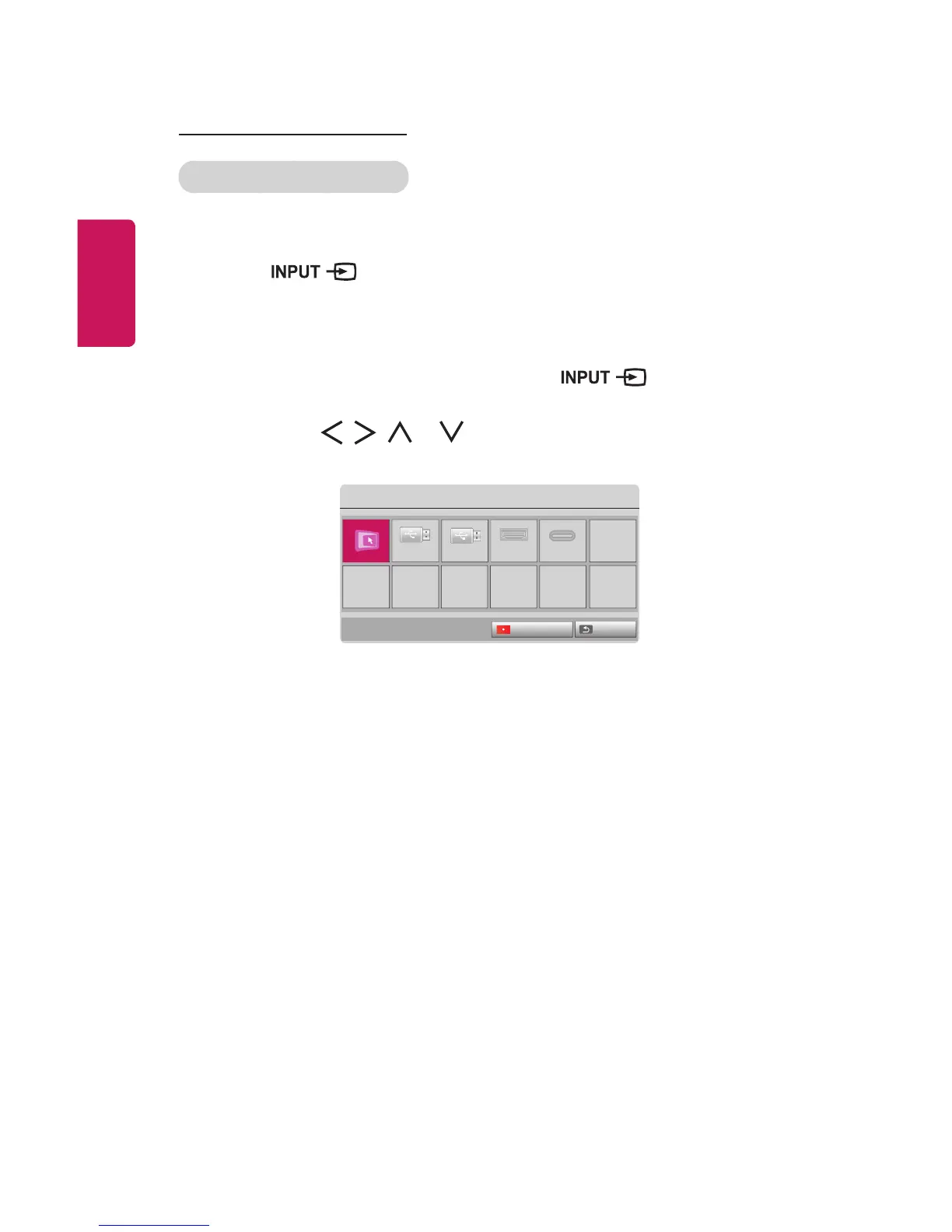
To select an external input
Selects external input.
The illustration of the menu may differ from the actual screen on the product.
• Press the button on the remote control to display the input selection
screen.
- Connected inputs are displayed rst. However, SCREEN SHARE is always
activated.
• Select an input signal using the remote control's button to connect
the projector to the desired input.
You can use the , , , or button to switch between all the input
modes.
Input List
SCREEN SHARE
USB USB(USB-C) HDMI USB-C
ꔂ Move ꔉ OK
ExitInput Label



 To Next Page