ENGLISH
49
5.2 Battery Setting .
1. Install the Battery Setting by following the instructions on the App.
2. After battery setting is completed, check the LED state (refer to 5.3.1)
5.3 LED Indicator
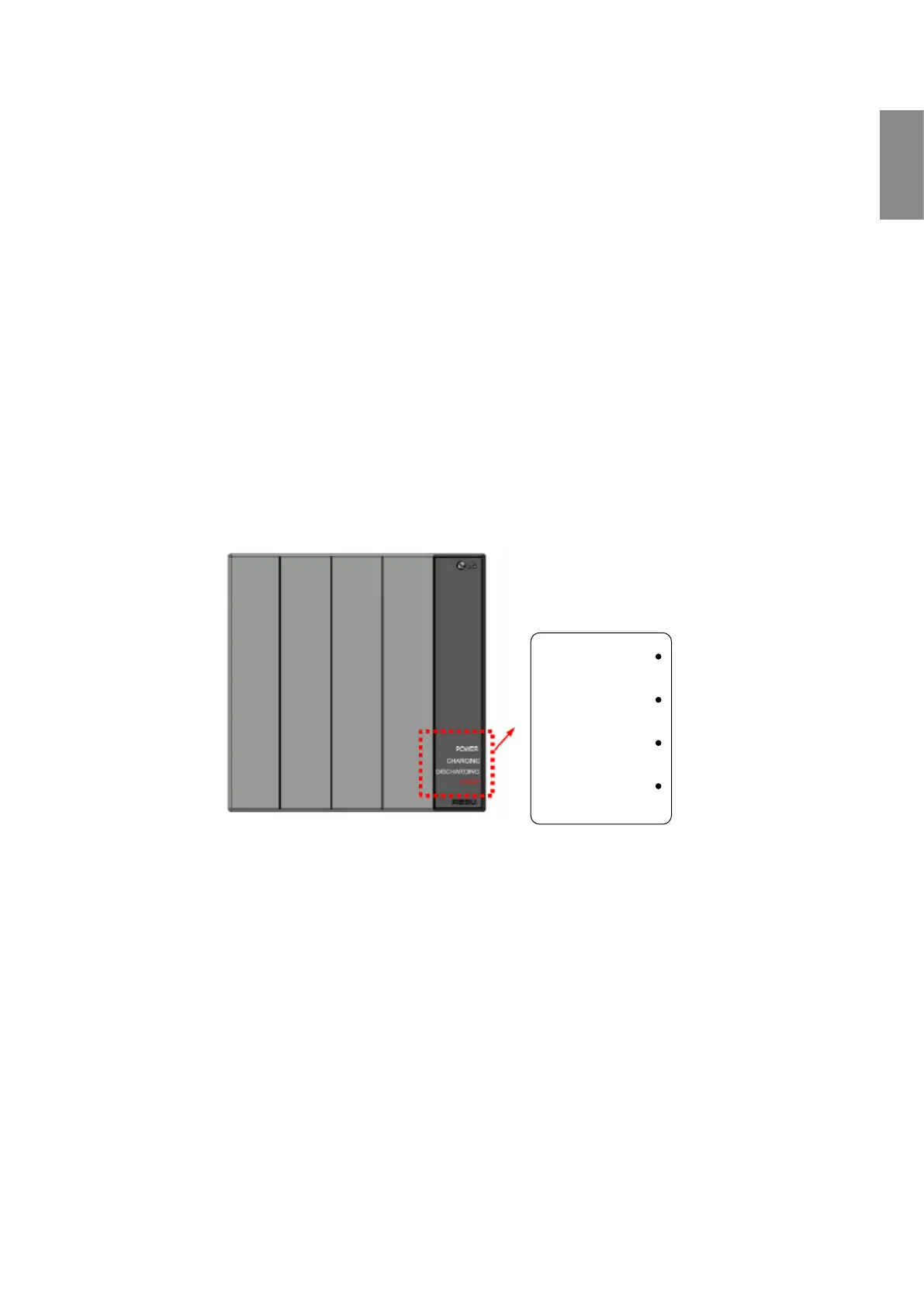
There are four LED indicators on the front of the battery packs to show its
operating status.
• Power: This indicator stays on while the battery pack is supplied with
power for operation.
• Charging: This stays on while the battery pack is charging.
• Discharging: This stays on while the battery pack is discharging.
• Warning: This comes on when the battery pack is in a warning state.
POWER
CHARGING
DISCHARGING
FAULT


 To Next Page