29
SMART DIAGNOSIS
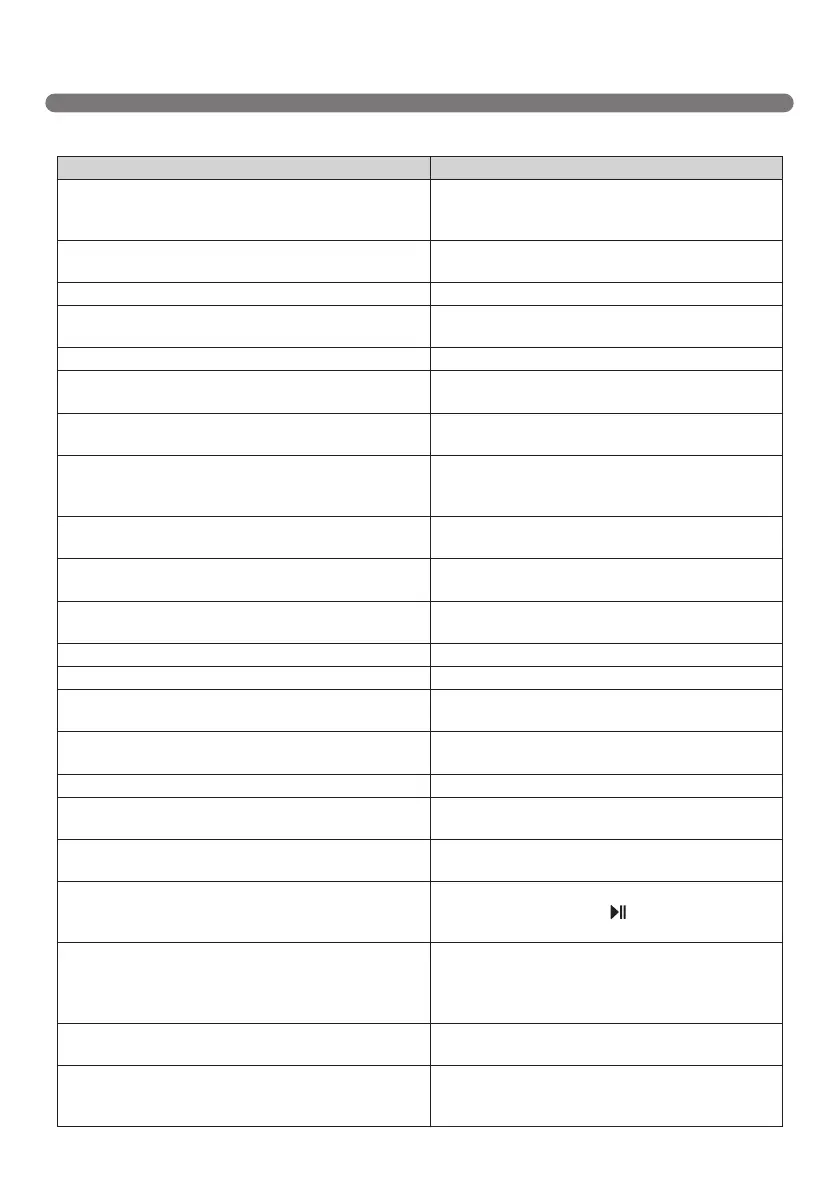
If a voice message is announced after Smart Diagnosis, refer to the following table to take proper actions.
Voice message Measures (for reference)
Roboking smart diagnosis will be started. Please
step away and clear around 1 meter around the home
station.
Clear any object within a 1 m radius around Home
Station, and stay back until the diagnosis is complete.
Smart diagnosis can start when it is being charged.
Please dock Roboking to the home station to charge.
Move Robot cleaner to the Home Station to recharge it.
No defect found during diagnosis.
Diagnosis mode cannot be operated due to a low
battery. Please try again after the battery is charged.
Try the Smart Diagnosis again after recharging the
battery.
Please check if the dust bin is installed with the lter. Open the Dust Bin Cover and examine the bin.
Charging cannot be done due to a problem in infrared
sensor.
Run Smart Diagnosis again and, if the same message is
announced, contact an LG Electronics service center.
Charging cannot be done due to a problem in
ultrasonic sensor.
Run Smart Diagnosis again and, if the same message is
announced, contact an LG Electronics service center.
Charging cannot be done due to a problem in the cliff
detection sensors on the bottom. Please clean the
sensors.
Clean the three Cliff Sensors on the bottom at the front
of the unit.
Please wipe the lower camera sensor on the right
bottom of the Roboking.
Clean the lens of Camera Sensor on the bottom-right.
Please wipe the obstacle detecting sensor window on
the left and right side of the Roboking.
Clean the lens of the Obstacle Sensors on both the left
and right hand sides.
A problem has been found on the Gyro Sensor. Run Smart Diagnosis again and, if the same message is
announced, contact an LG Electronics service center.
Please check for dirt on the left wheel. Check for foreign materials on the left wheel.
Please check for dirt on the right wheel. Check for foreign materials on the right wheel.
A problem has been found on the left wheel sensor. Run Smart Diagnosis again and, if the same message is
announced, contact an LG Electronics service center.
A problem has been found on the right wheel sensor. Run Smart Diagnosis again and, if the same message is
announced, contact an LG Electronics service center.
Please check the brushes for obstructions. Check for any foreign material stuck in the Brush.
A problem has been found in the suction motor. Run Smart Diagnosis again and, if the same message is
announced, contact an LG Electronics service center.
A problem has been found in the acceleration sensor. Run Smart Diagnosis again and, if the same message is
announced, contact an LG Electronics service center.
In order to listen to the smart diagnosis result again,
please press the charging button. To stop, please press
the stop button.
If you need to repeat the diagnosis result, press
the 'Home' button, or press ‘
’ button to finish the
diagnosis.
Smart diagnosis mode will be turned off. Please try smart diagnosis again after turning the main
power switch off and on from the back of Roboking. If
the problem continues, please contact LG Electronics
customer care.
Smart Diagnosis mode cannot be operated with mop
plate being attached. Please try again after removing it.
Run Smart Diagnosis again after removing the Mop
Plate.
Smart diagnosis has failed to operate. Please try it
again after turning off and on the main power switch on
the back of the Roboking.
Turn the main power switch OFF and then ON again
to resume the diagnosis. Do NOT touch the robot or
disturb its operation until the diagnosis is complete.



 To Next Page