30
SMART APPLICATION FUNCTION
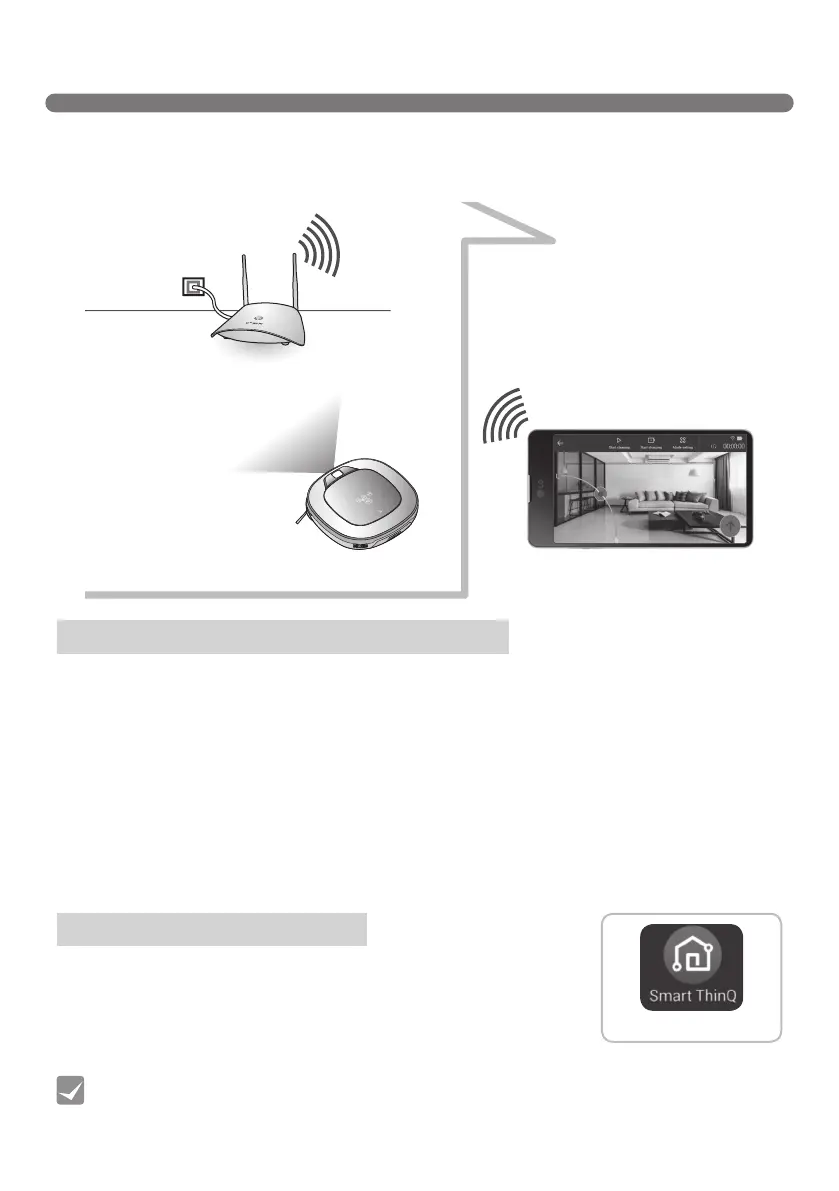
You can control the Robot Cleaner from your smartphone.
The"LGRoboking"applicationprovidesthefollowingfunctions:
• HomeView, HomeGuard, Cleaning Diary, Schedule Cleaning, Smart Diagnosis
AP with Internet access
Robot Cleaner with network access
Smartphone (Android or iOS)
Some models and OS versions may restrict the use, or render the application inoperable from the
smartphone.
Special characters in the ID of the router may hamper product connection or registration.
Recommended specication
• Android:Higherthan4.1.2(JellyBean)
• iOS:HigherthaniOS8(iPhone5)
• Screenresolution:1920x1080
※
Connecting to the Wireless Access Point without proper security setup may cause security issues.
※
If security is set up internally for your organization, it may affect connection therein.
※
To improve the quality of the application in use, modifications may be proceeded without notice to
customers.
1. Search "Smart ThinQ" in Google Play Store or App Store.
2. Download and install the "Smart ThinQ" application.
What to check before using the product
Installing SmartThinQ App
Smart ThinQ
[Roboking application]
• The "Smart ThinQ" application cannot be used on a tablet devise or a desk top or laptop
computer.
Tip



 To Next Page